Conversation Flow Editor (Dashboard)
A visual, node-based editor for designing your agent’s conversation logic, integrations, and handoffs.
Conversation Flow Editor (Dashboard)
This page documents the Conversation Flow experience in the dashboard: how to create an agent, how to navigate the editor, and how to configure every major section/node. It uses real screenshots from apps/docs/public/app_images.
What you’ll learn
How the canvas works, what each node is responsible for, what to configure in its Settings, and the common patterns (happy-path + fallbacks) that keep flows reliable in production.
Quick navigation
Getting Started
Create an agent, open the board, and organize workspaces.
Canvas Basics
Nodes, transitions, naming, and layout patterns.
Node Types
Conversation, functions, routing, transfer, SMS, end-call.
Global Settings
Prompt, voice, KB, webhooks, security, post-call.
MCP Integrations
Connect tool providers and validate end-to-end.
Recommended Build Order
A practical sequence to avoid messy graphs.
How to read a flow (mental model)
A Conversation Flow is a directed graph:
- Nodes are actions (speak, ask, call a function, transfer a call, send an SMS, end the session).
- Transitions are the paths between nodes (based on user intent, digits pressed, model decision, or completion of an action).
- Global settings apply to the whole agent (voice, prompts, security, webhooks, knowledge).
When designing flows, aim for:
- A clear start (the first node your user encounters).
- Explicit success + failure paths (e.g., function success vs error, transfer success vs fallback).
- A deterministic end (use End Call / terminal nodes for closure).
If you want a quick visualization, think of it like this:
Start → Conversation (ask) → Extract Variable → Logic Split
           ├─ route A → Function → Conversation (confirm) → End Call
           └─ route B → Transfer → (fallback) → Conversation → End Call
Getting started
This section covers the steps before you start wiring nodes: creating the agent, opening the board, and (optionally) organizing with folders.
Create an agent and open the board
Create a voice agent
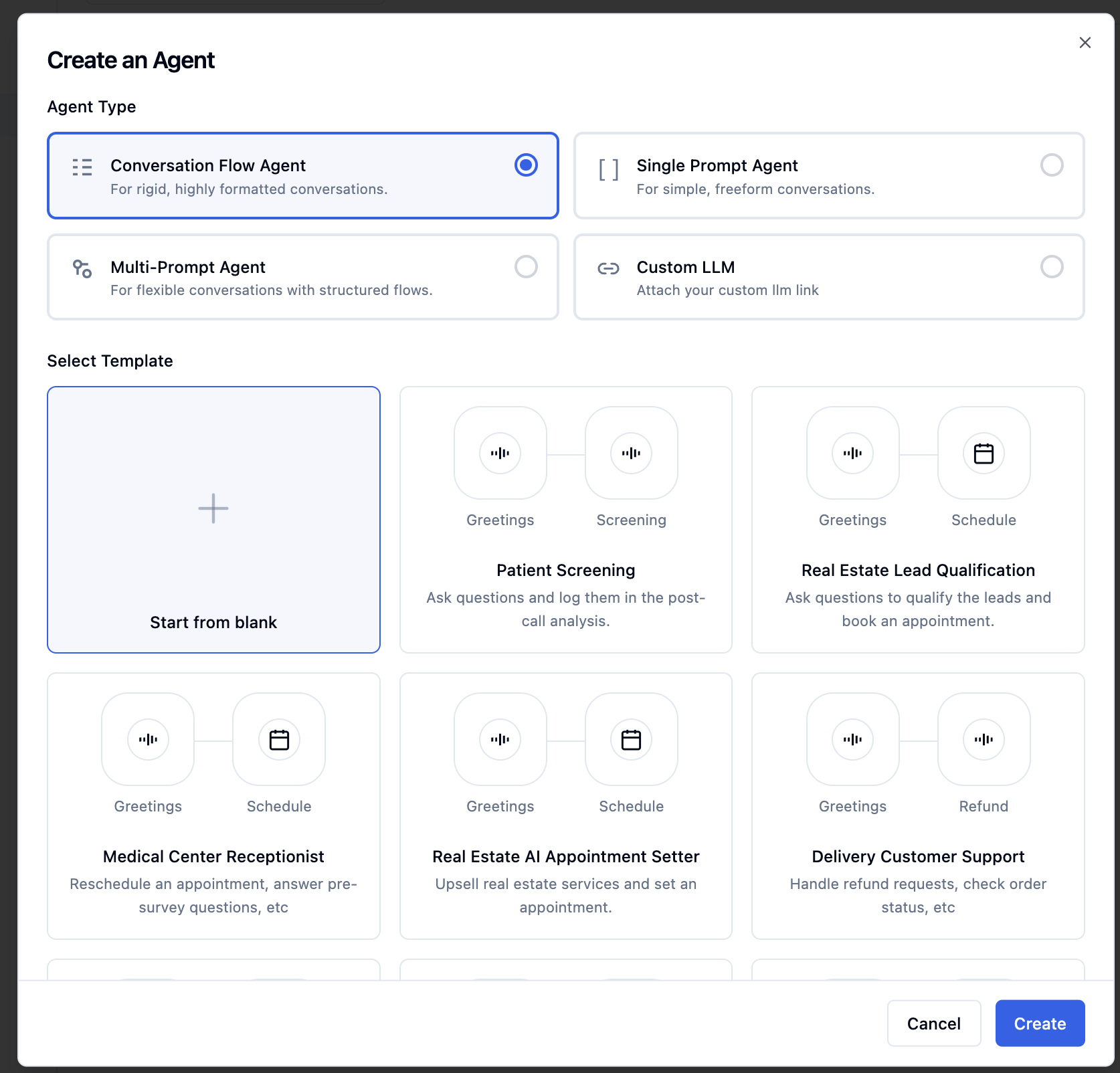
What you typically decide here:
- Channel: Voice vs Chat (the editor is similar, but voice nodes like Press Digit and Call Transfer are voice-first).
- Type: Choose Conversation Flow for a node-based design.
- Template vs scratch: Templates are best when you want “known good” structure.
Avoid a common setup trap
If you start from scratch, make sure you define your global prompt/voice defaults early. Otherwise every node ends up re-implementing tone, policy, and retry logic.
Land on the board (the canvas)
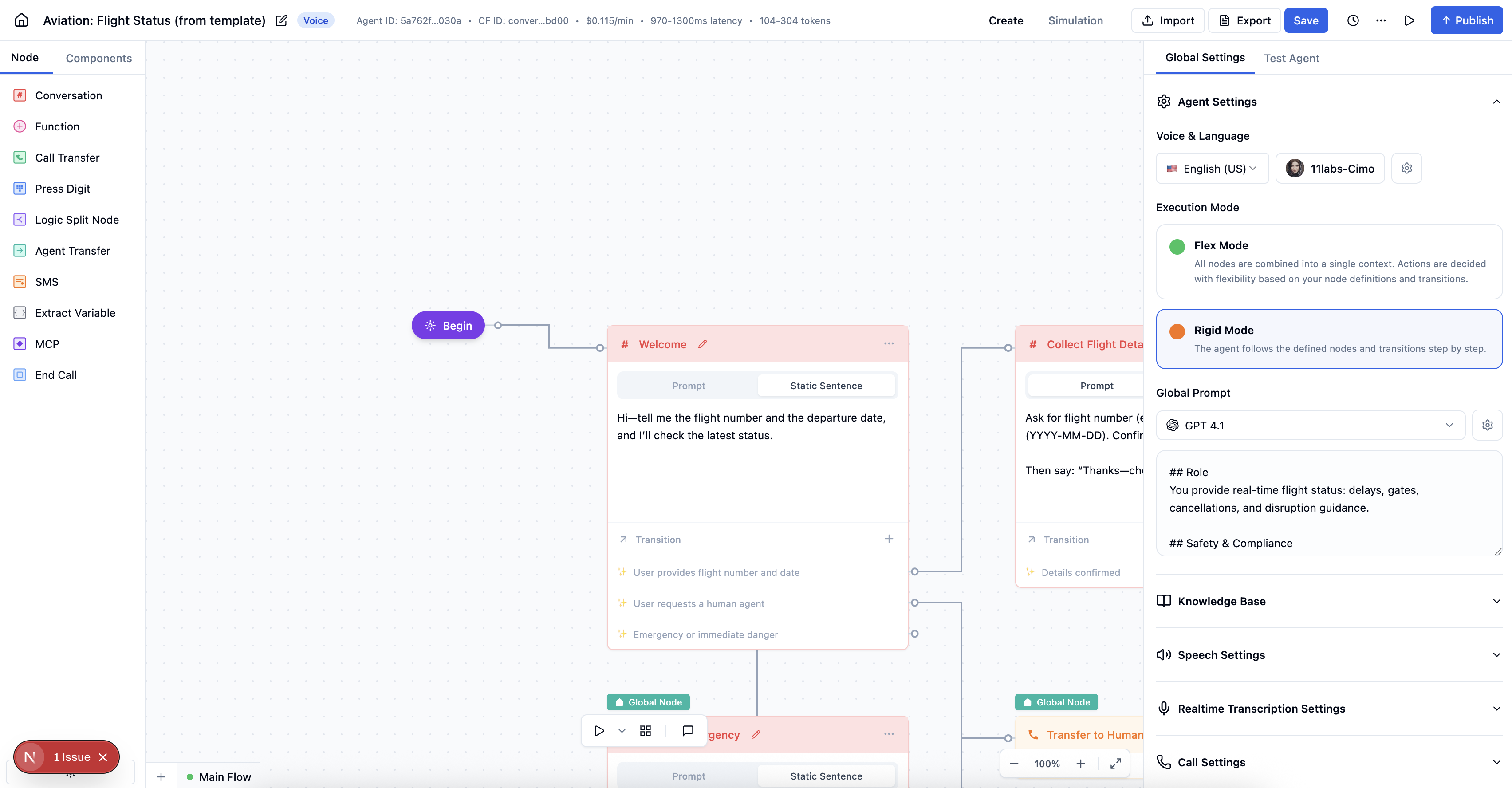
What the board is for:
- Layout: Keep “mainline” paths straight (left→right or top→bottom) and branch edge-cases to the sides.
- Naming: Node names are operational tooling—make them easy to scan in logs and debugging.
- Preview mindset: Your goal is for someone else to understand the flow by reading node names and following arrows.
Canvas basics
The editor is optimized for iteration. A clean graph makes testing and troubleshooting dramatically faster.
Node design principles
- One intent per node: Ask one question, do one action, or make one decision per node.
- Always create a fallback: Timeouts, invalid input, tool errors, and “I don’t know” should all have a defined path.
- Make transitions readable: A transition name should explain why the flow moves, not just where it goes.
- Prefer global defaults: Put policies and style constraints in Global settings; keep node prompts short and local.
Naming conventions (practical)
- Prefer
verb + objectnames:Collect phone,Verify identity,Offer slots,Confirm booking. - Include state when it matters:
Collect email (retry),Transfer to billing (failed). - Avoid generic names like
Node 1orStep 3—they make debugging and analytics painful.
Organizing agents with folders (optional)
Folders help you keep large workspaces manageable: group agents by product, client, environment (dev/prod), or team.
Folder list and navigation
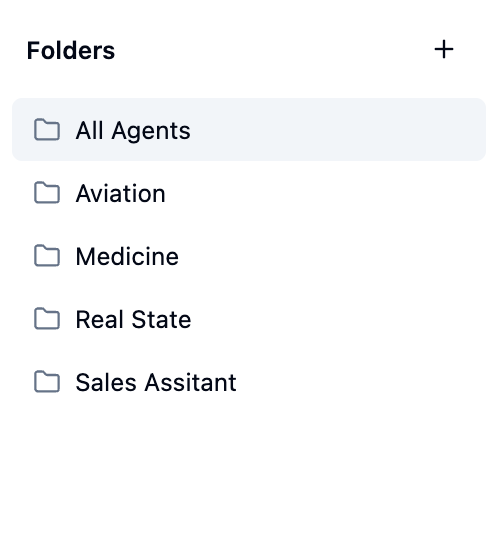
How to use this effectively:
- Use short folder names that match how your org thinks (“Sales”, “Support”, “Outbound”, “Prod”).
- Keep one level of hierarchy when possible; deeper trees usually slow down navigation.
Create a folder
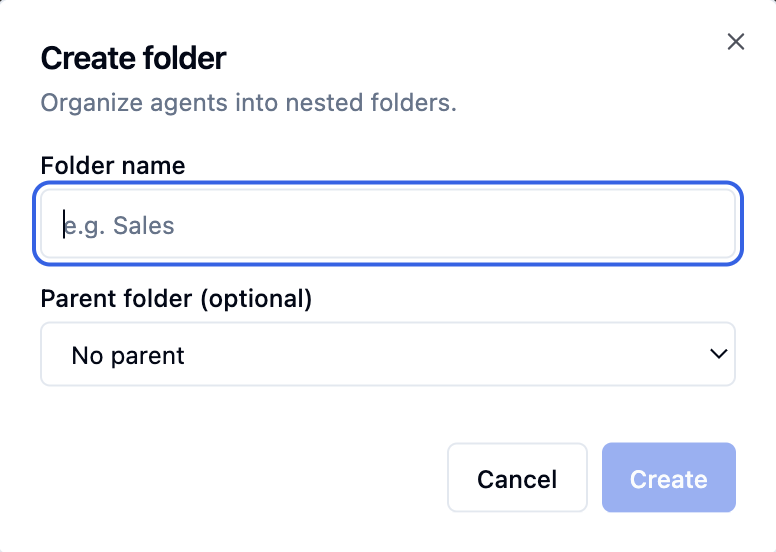
Recommended folder conventions:
- Add prefixes like
DEV -/PROD -to reduce mistakes. - For client work, use
ClientName - ProjectName.
Set a parent folder (nesting)
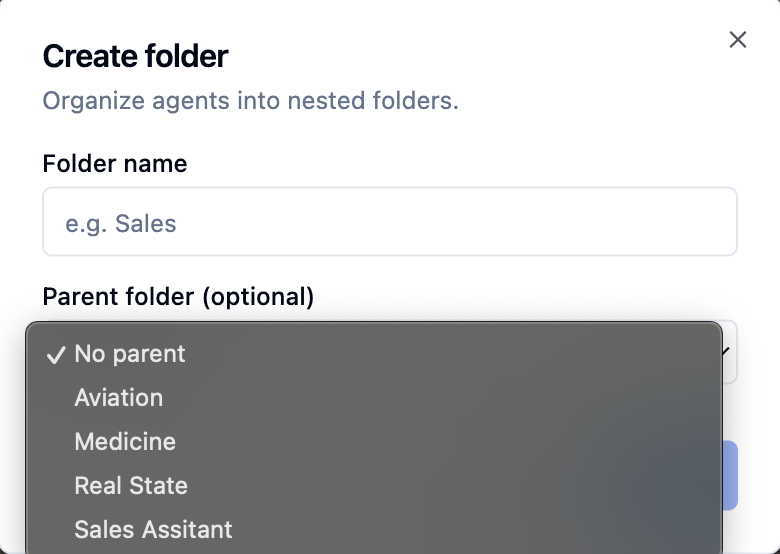
Use nesting when you need:
- Multiple agents under a client (e.g., “Inbound”, “Outbound”, “After-hours”).
- Separation between environments (dev vs staging vs prod).
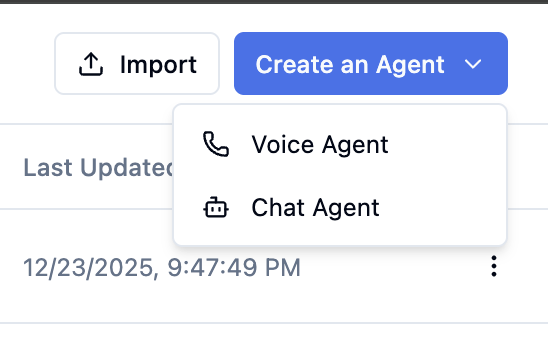
Create an agent from within a folder
See all agents in a folder
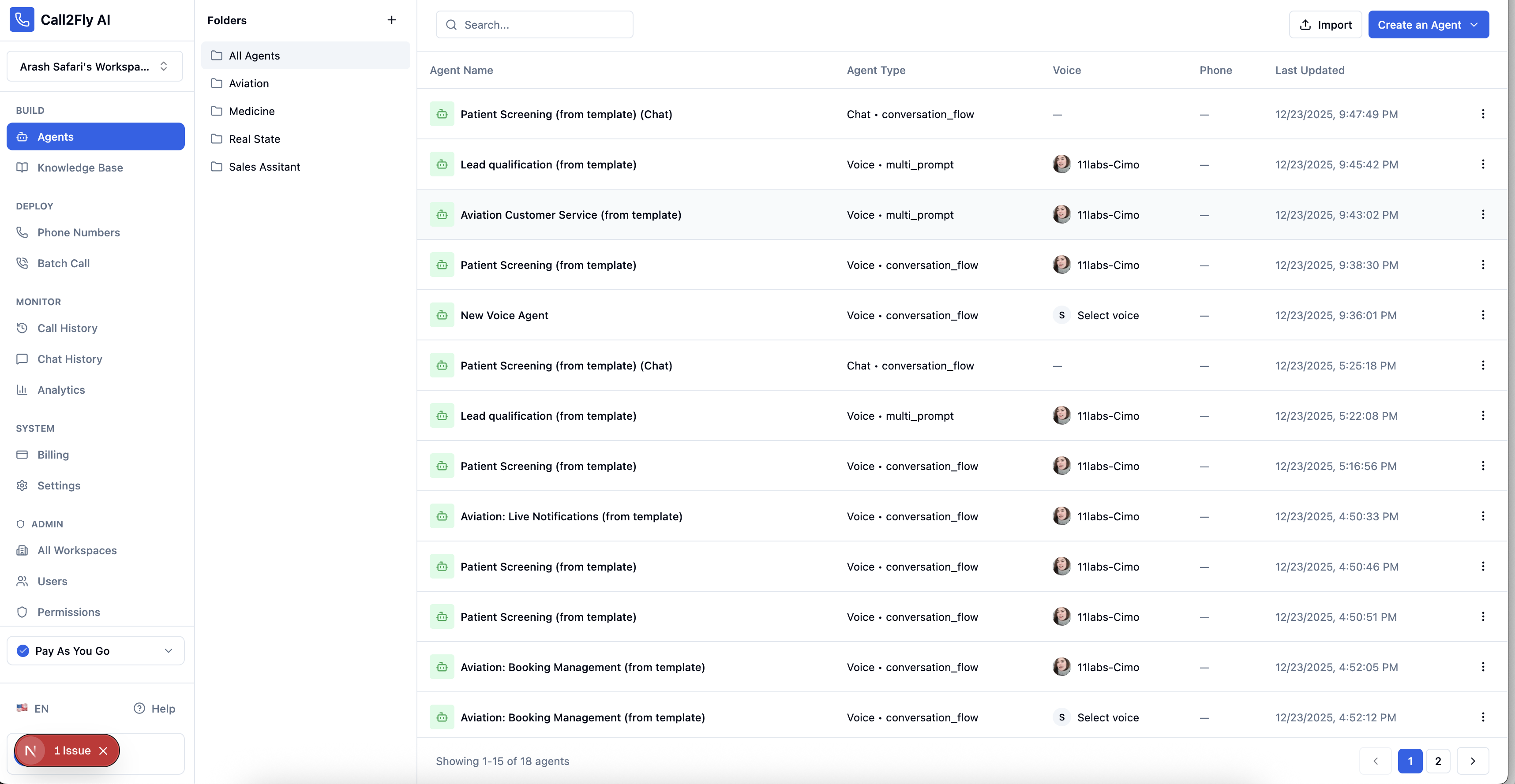
Operational tips:
- Keep naming consistent:
Team - Purpose - Version(example:Support - Returns - v2). - Duplicate an agent to iterate without risking production behavior.
Node types
Node types are the “vocabulary” of your flow. The most reliable flows follow a simple rhythm:
- Conversation nodes to ask/confirm.
- Extract Variable to turn free-text into structured fields.
- Routing (Logic Split / Press Digit) to decide the next step.
- Actions (Function / SMS / Transfer) to do real work.
- End Call to close cleanly.
Conversation
Ask, confirm, and collect information.
Extract Variable
Parse free-text into typed fields.
Logic Split
Route by intent/meaning.
Press Digit
DTMF menus for voice calls.
Function
Call APIs and map results back.
SMS
Send confirmations and follow-ups.
Call Transfer
Transfer to a phone number/queue.
Agent Transfer
Handoff to another agent config.
End Call
Close the session cleanly.
Transition naming standard (recommended)
Use names that read like a reason: user_confirmed, missing_email, tool_error, timeout. Avoid “to node X”.
Conversation node (talking to the user)
The Conversation node is where you define what the agent says, what it asks for, and how it should interpret responses before moving to the next node.
What a conversation step looks like
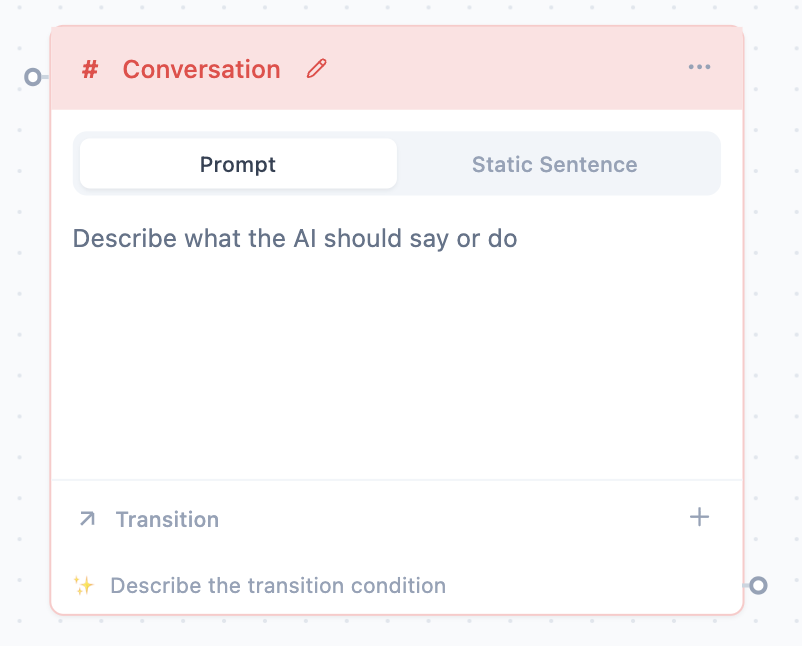
What to define in a good conversation node:
- Goal: What information should be collected or what decision should be made?
- Constraints: What must the agent never do or say here?
- Acceptance criteria: What counts as a “good answer” before transitioning?
- Fallback: What happens if the user is unclear, silent, or refuses?
In practice, you want this node to answer four operational questions:
- What does “success” look like (and what variable/state is produced)?
- What does “failure” look like (and where do we route)?
- How many retries are acceptable before escalation or ending?
- Is confirmation required (especially before calling tools or transferring)?
Configuration checklist (keep it explicit):
- What the agent says first (greeting, question, or confirmation).
- What the node is trying to collect/confirm (and which variables should be set).
- Which transition is taken on success.
- Which transition is taken on retry (unclear/partial answer).
- Which transition is taken on fallback (silence, refusal, repeated failure).
A second example (multi-turn behavior)
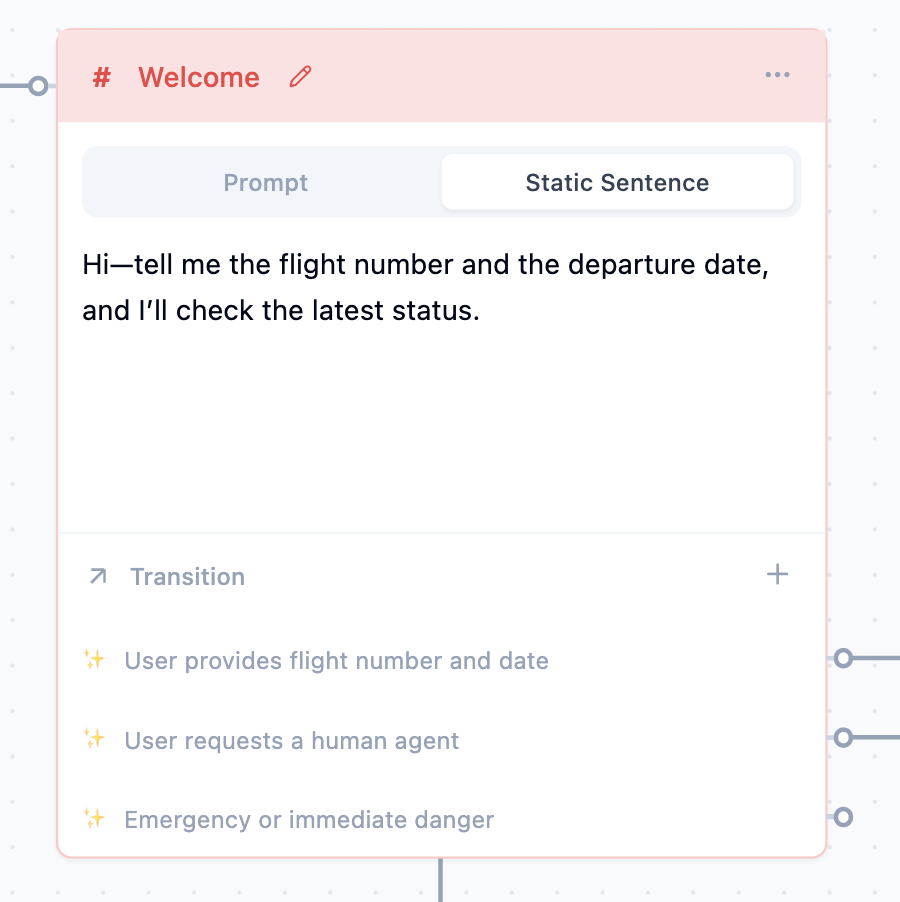
Design pattern for reliability:
- Ask one question per node (avoid “double questions”).
- If you need multiple details, collect them through separate nodes (or use Extract Variable).
Rename/edit node title
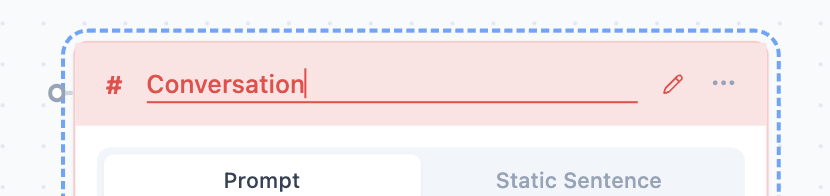
Naming tips:
- Start with the intent:
Collect email,Qualify lead,Confirm appointment. - Add state when needed:
Confirm address (retry)/Payment (failed).
Extract Variable node (structured data from free text)
Extract Variable turns user responses into structured fields you can reuse later (functions, routing, summaries, CRM writes). This is the main tool for making an LLM flow deterministic enough for integrations.
Variables list (what exists in the agent)
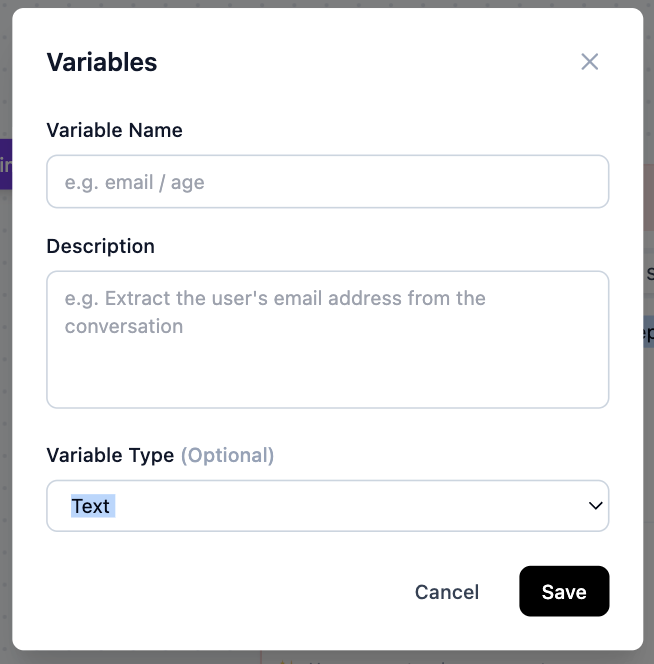
Design guidance:
- Capture what you will use, not everything the user says.
- Prefer stable variables that map to real business objects:
customerName,phoneNumber,orderNumber,preferredTime. - Decide early whether a variable is required (flow must collect it) or optional (nice-to-have).
Choose variable type (constraints matter)
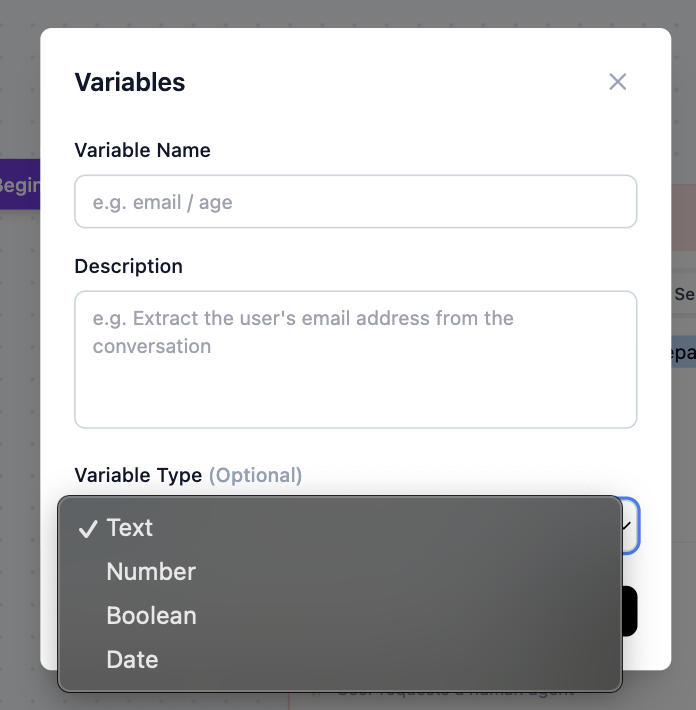
Why type selection is important:
- Types constrain extraction (dates, numbers, enums), which reduces hallucinated “structure”.
- Typed variables are safer inputs for tools/functions and reduce runtime failures.
Node settings (what to extract and how)
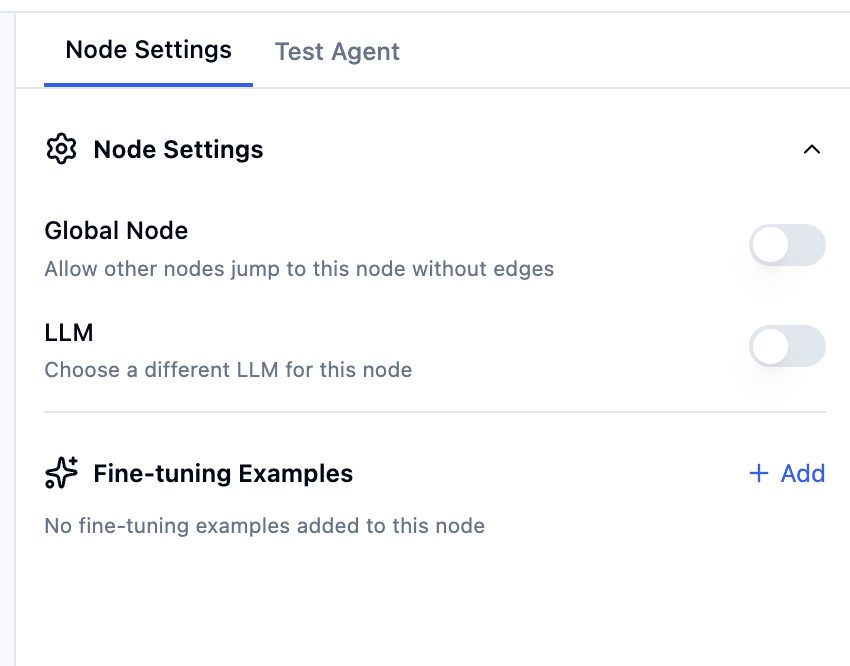
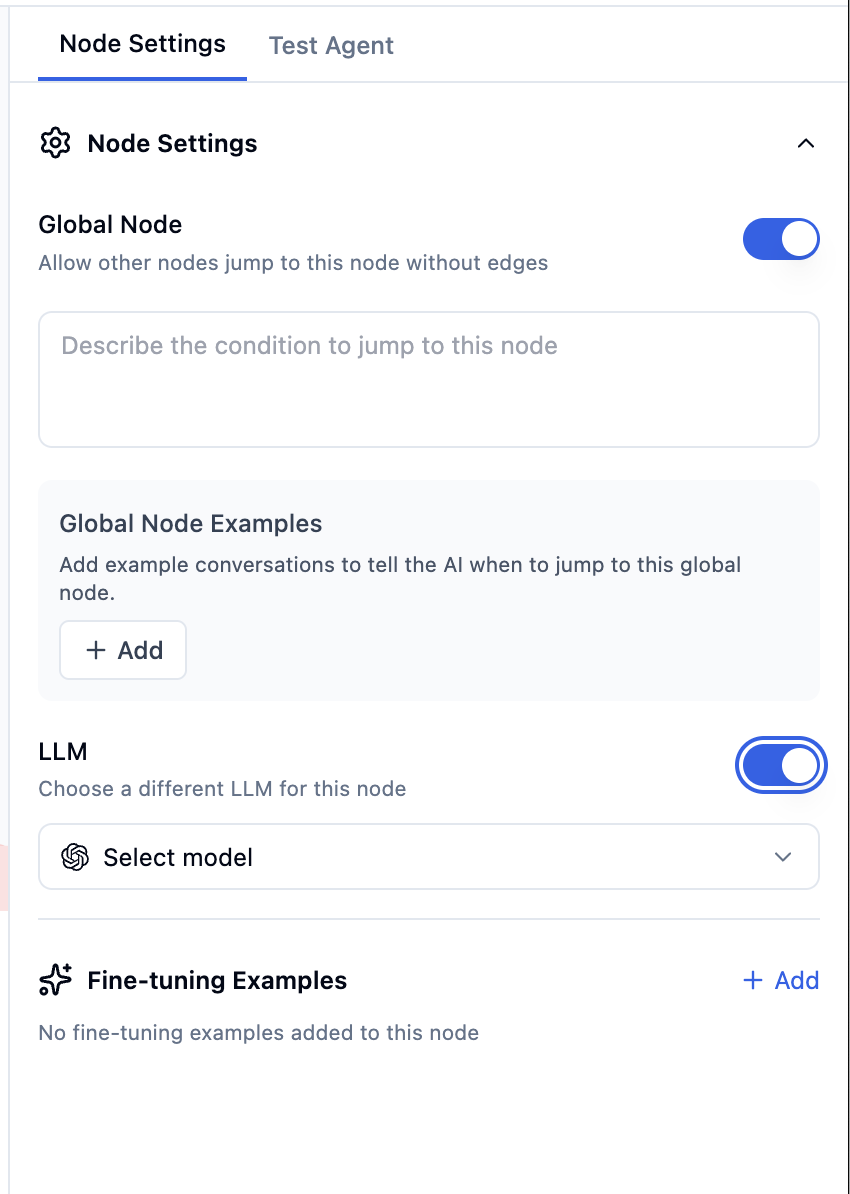
Key decisions:
- Source: latest user message vs a broader conversation window (use broader context only when necessary).
- Validation: what counts as a valid value (format, min/max, allowed set).
- Normalization: how to store it (e.g., E.164 phone numbers, ISO dates, lowercase emails).
- Failure policy: route to a clarifying Conversation node, rather than silently continuing with an empty value.
Patterns that work well:
- Confirm after extract when the value is business-critical (“I heard
+1 555…, is that correct?”). - Re-ask with constraints (“Please say your email address, like name@domain.com”).
- Store both raw + normalized when needed (raw for auditing, normalized for tools).
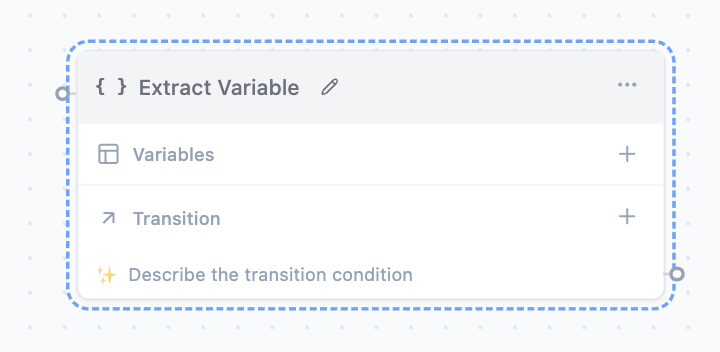
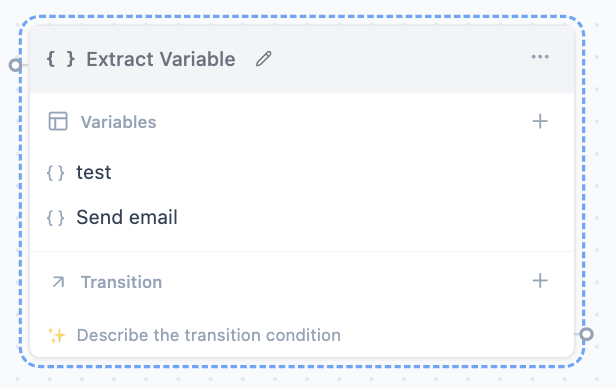
Sample extraction results
Make extraction measurable
Treat extraction like parsing: keep a “retry” path, log missing/invalid values, and test with messy real-user input (typos, multiple values, extra details, silence).
Logic Split node (model-based routing)
Logic Split routes the conversation based on meaning/intent (not fixed keywords). It’s ideal when users say the same thing in many different ways (sales vs support vs billing, eligibility checks, language detection, sentiment, escalation).
Logic Split node example
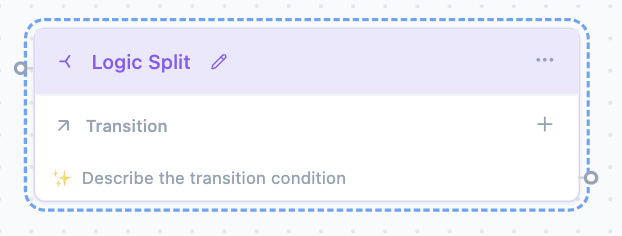
What to define:
- A small set of mutually exclusive routes (2–6 is usually enough).
- A default route for ambiguous cases (“can’t classify”, “needs clarification”, “other”).
- Route names that describe intent (e.g.,
pricing_question,schedule_request,human_request).
Settings (routes and instructions)
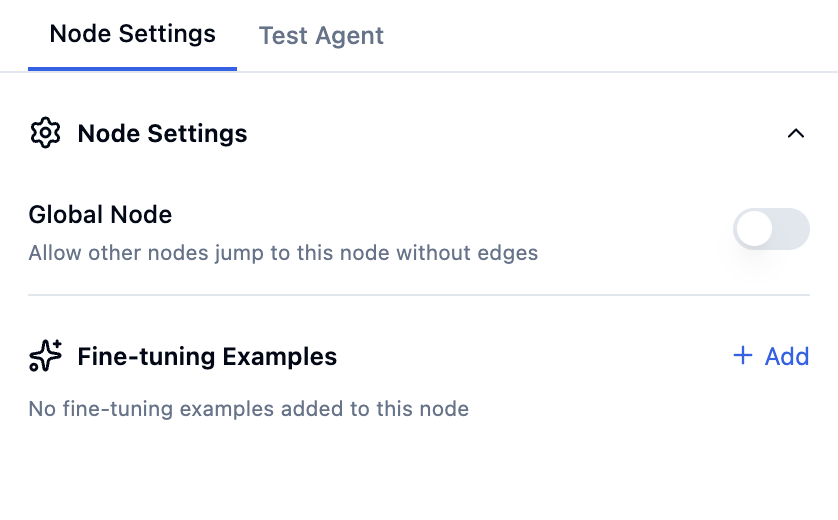
What to be explicit about in the instructions:
- The definition of each route (one sentence each).
- Any tie-breakers (“if user asks for a human, always route to human_request”).
- What to do when the user message contains multiple intents (pick primary vs ask a follow-up question).
Common routing pitfalls (and fixes):
- Too many routes → merge into fewer buckets and add a “clarify” route.
- Vague route definitions → add one-sentence definitions and counterexamples.
- No default route → always add “unknown/other” and ask a follow-up question.
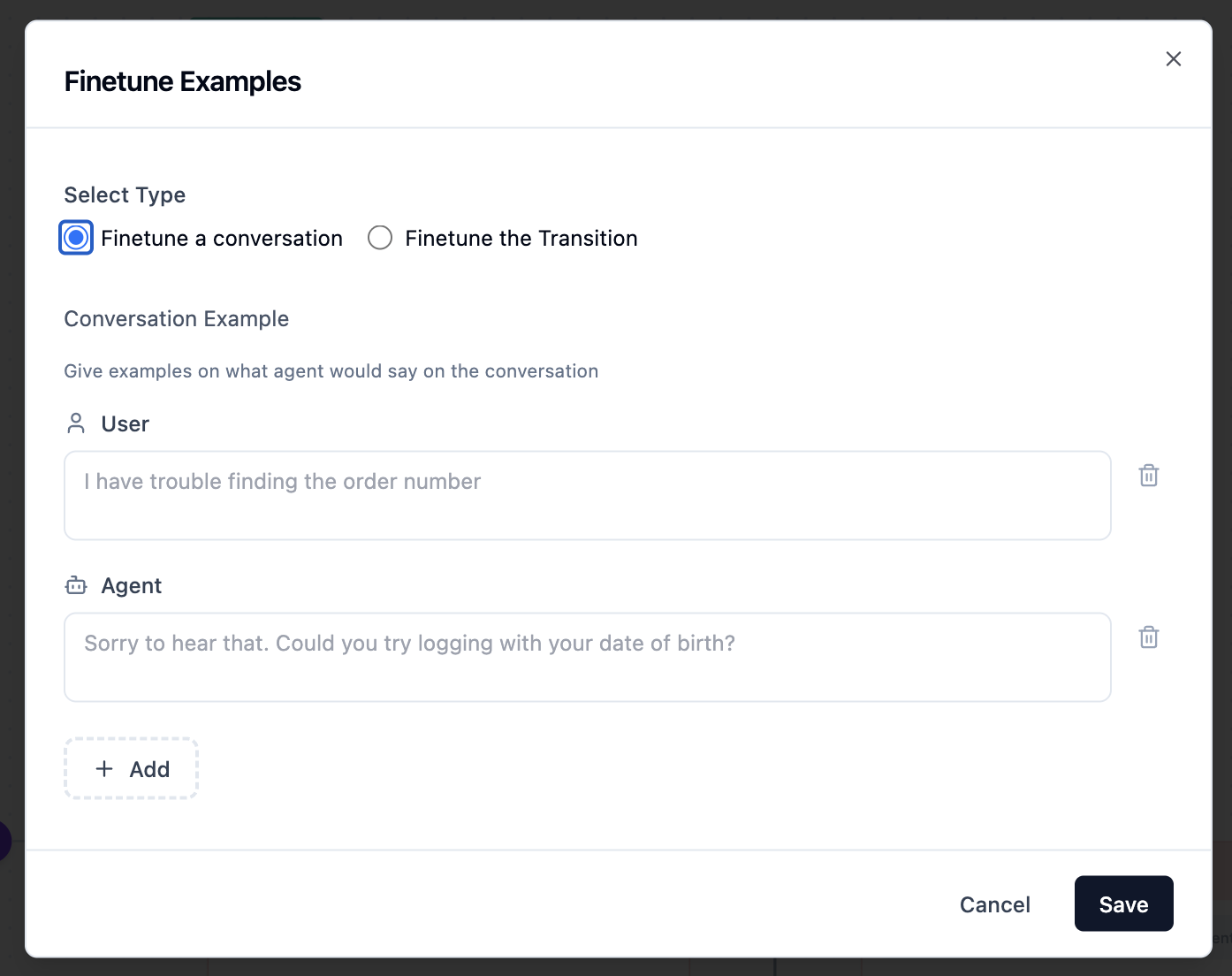
Fine-tune examples (make routing predictable)
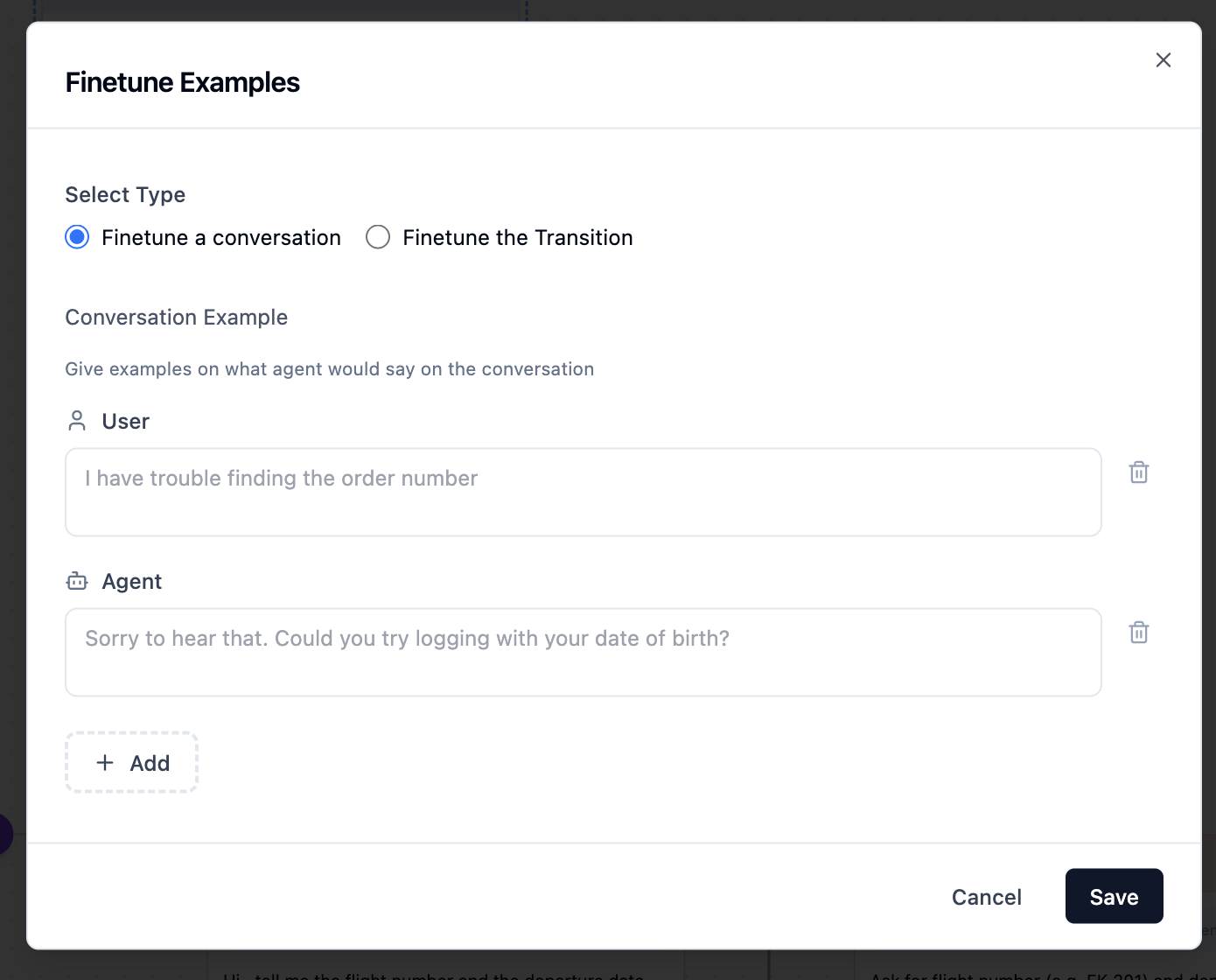
How to write examples:
- Include real phrasing from your audience (short, messy, slang, incomplete).
- Include “near-miss” examples that look like another route and show the correct decision.
- Keep examples updated as you review transcripts and find new phrasing.
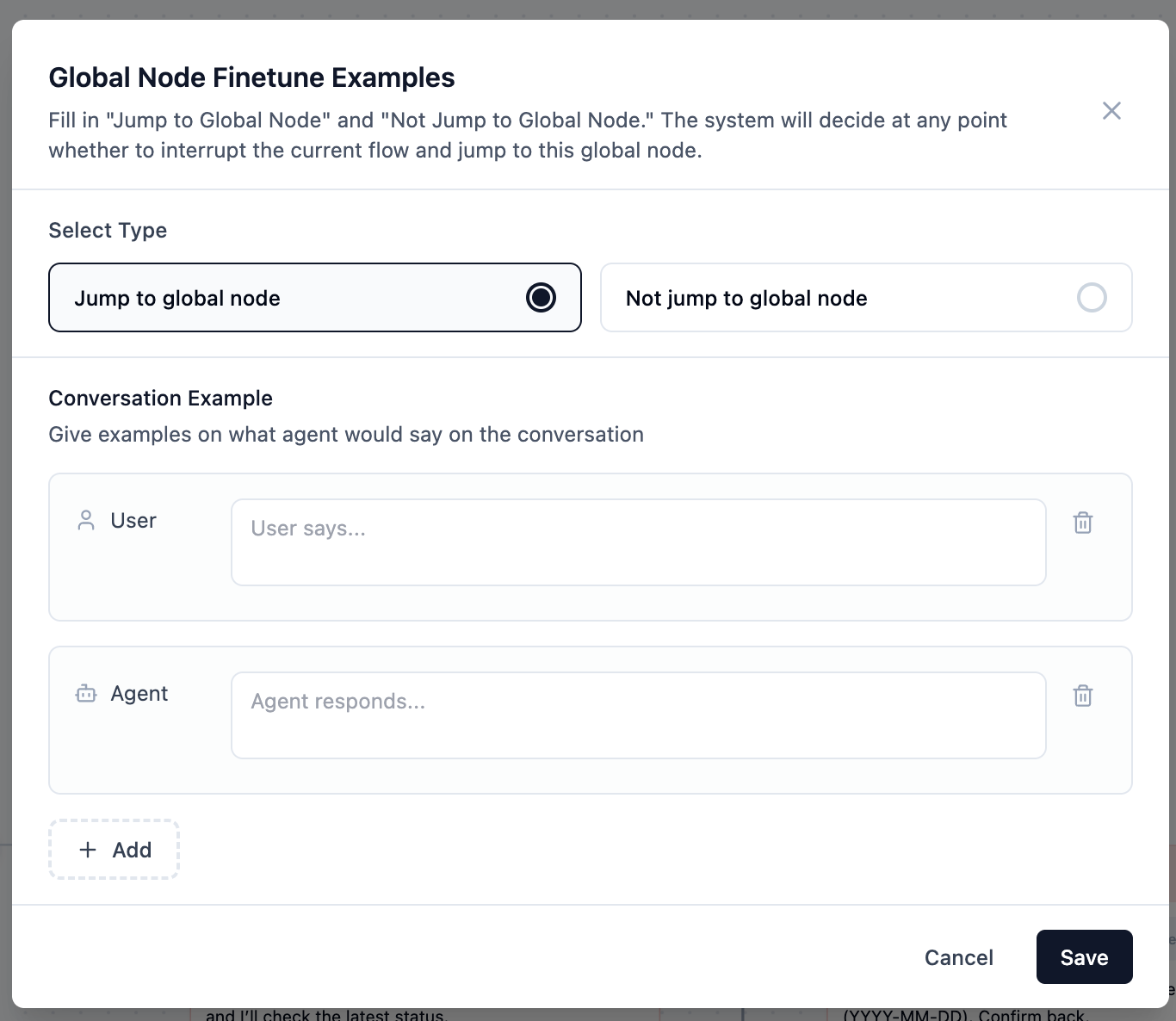
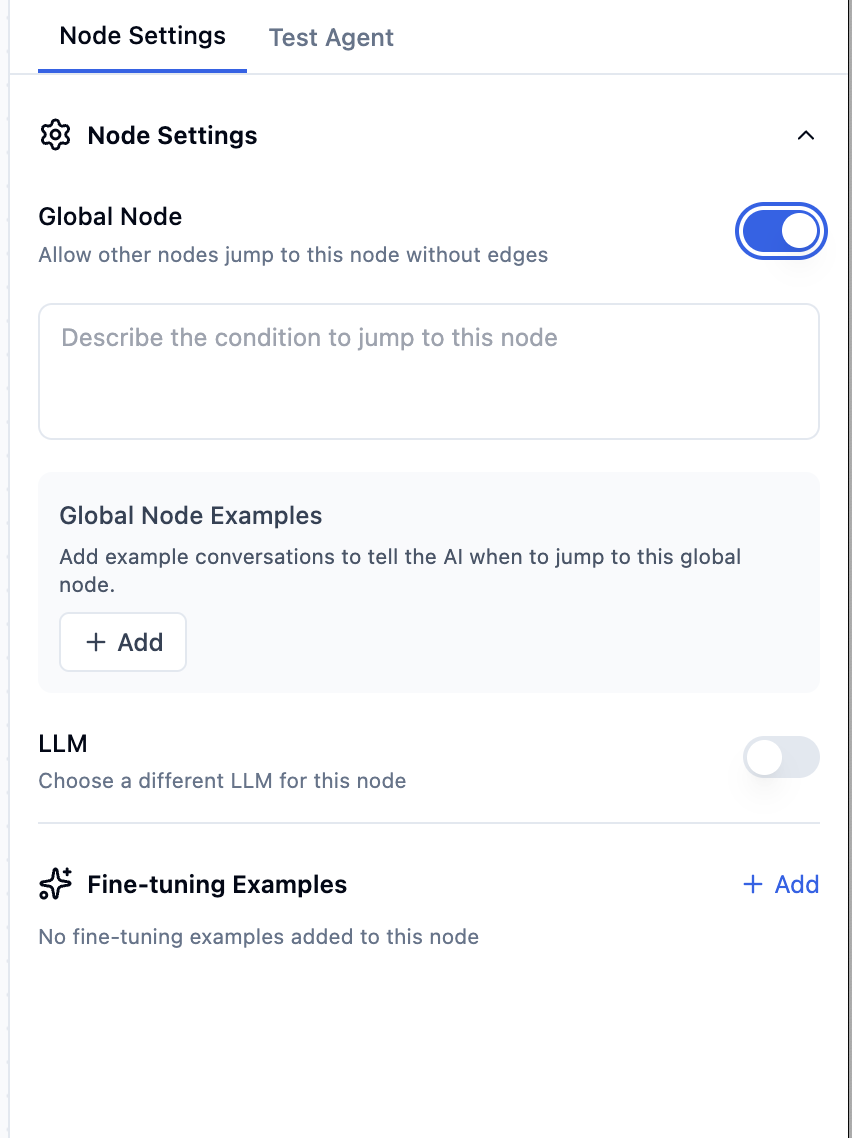
Global node patterns (reuse routing logic)
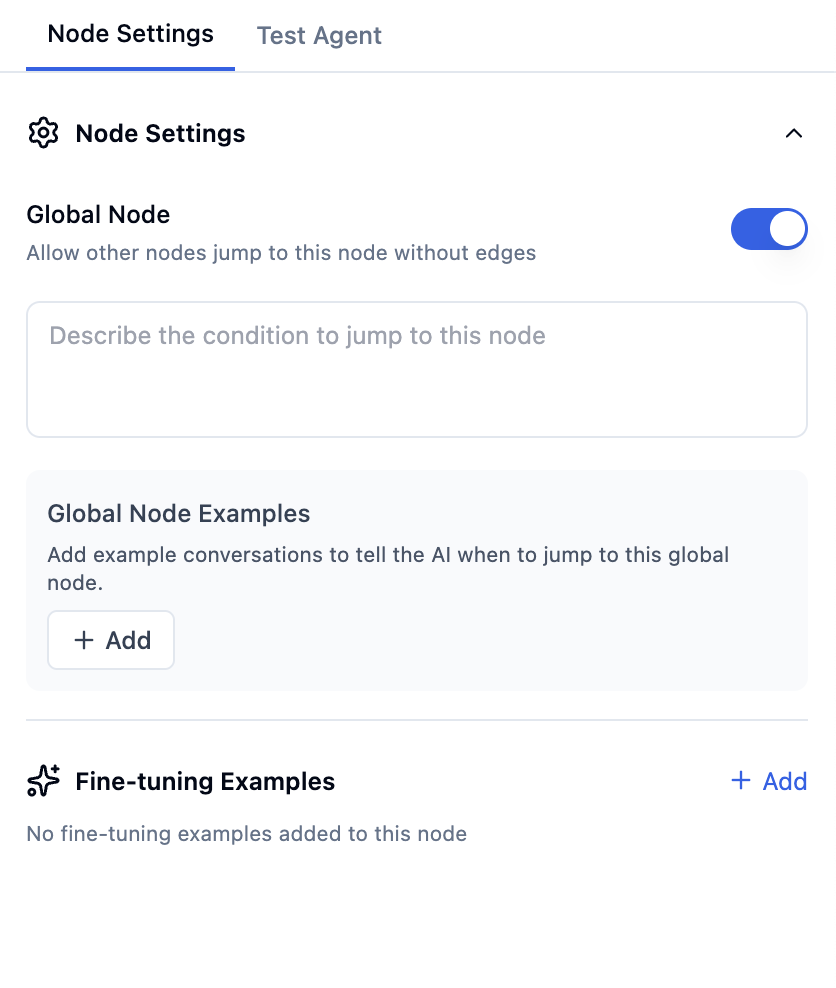
Use global nodes when:
- The same routing logic appears in multiple places (reduce drift).
- You want one update to change multiple flows.
Press Digit node (DTMF menus)
Press Digit is for keypad-based choices (common on phone calls): “Press 1 for sales, 2 for support…”.
Press Digit example
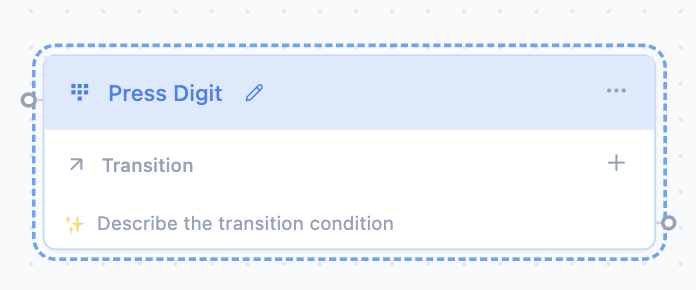
Design tips:
- Keep menus short (2–5 options).
- Speak digits clearly and slowly (“Press 1”, pause, “Press 2”…).
- Always have an escape hatch: “Press 0 to talk to someone”.
Settings
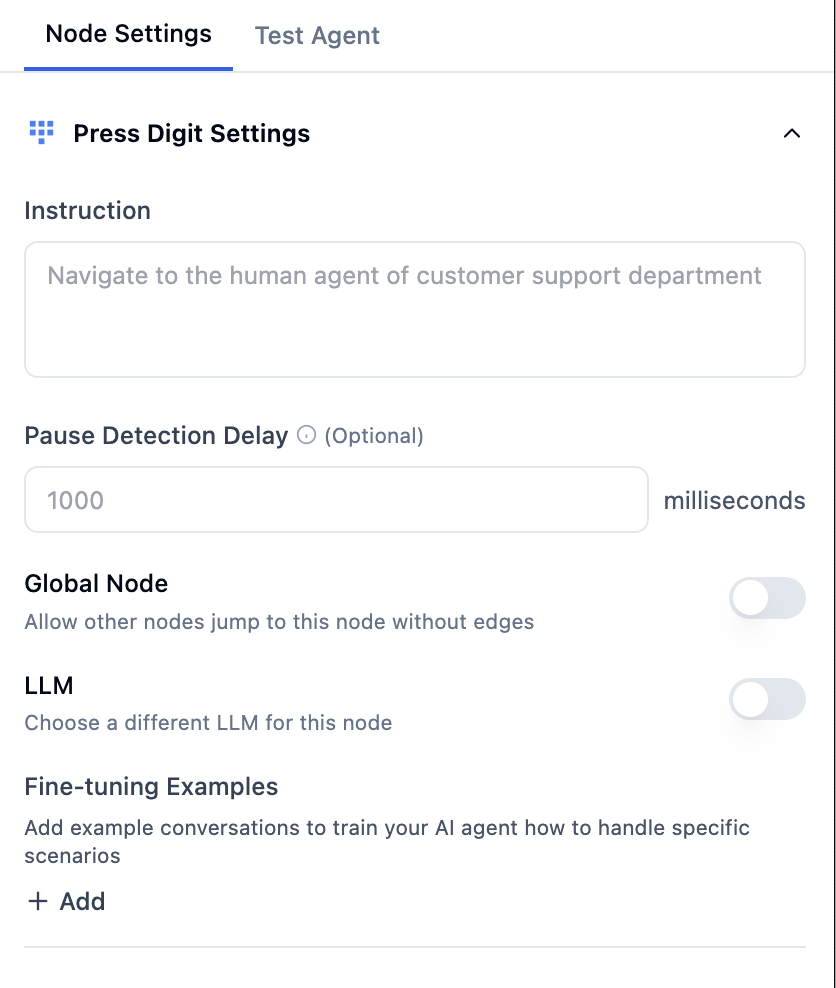
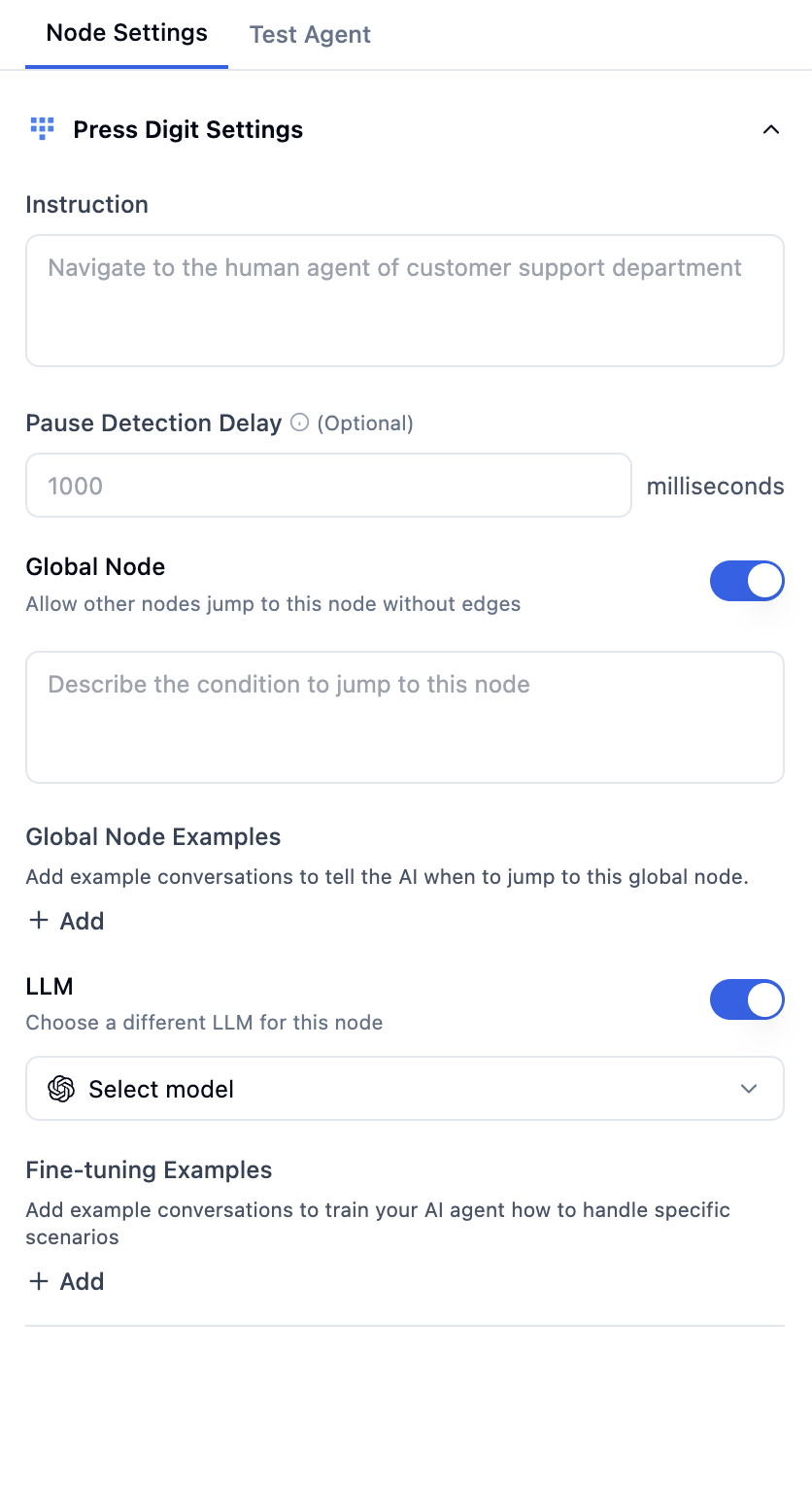
Important behavior to configure:
- Timeout: how long to wait for a digit before re-prompting.
- Retries: how many times to repeat the menu before fallback.
- Invalid digit handling: route to clarification or a default option.
What “done” looks like:
- Every valid digit has a transition.
- Invalid input routes somewhere safe (repeat once, then fallback).
- Timeout routes somewhere safe (repeat once, then fallback).
Fine-tune transitions (edge cases)
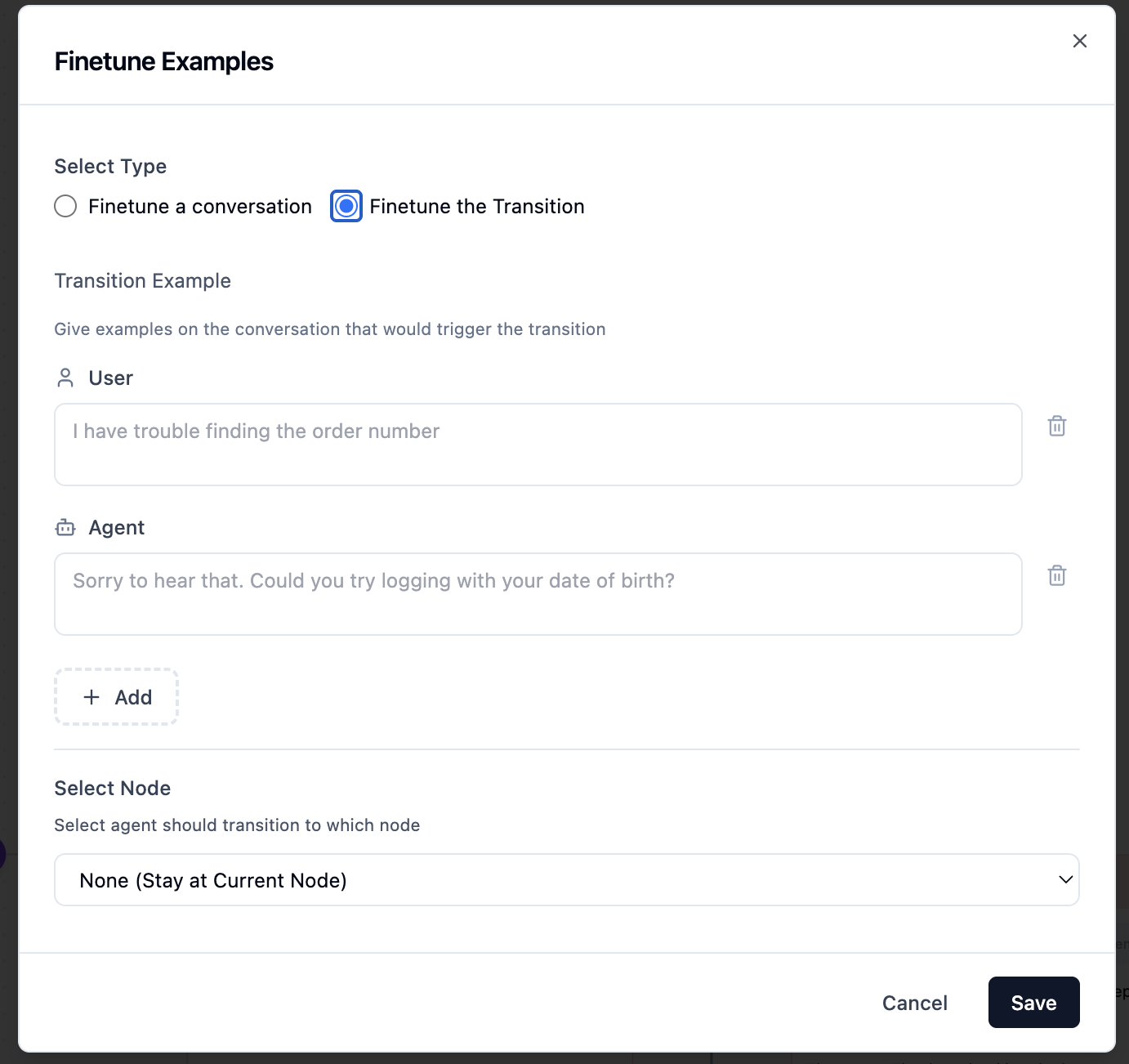
Global node patterns
Function node (call external APIs/tools)
Use Function nodes when the agent must read or write real data: calendars, CRMs, order systems, ticketing, internal APIs, etc.
Think of a Function node as a contract:
- Inputs must be present and correctly typed (usually from variables).
- The API must be called with the expected auth/headers/body.
- Outputs must be mapped back into variables so the rest of the flow can use them.
- Failures must route somewhere safe (retry, ask a question, or transfer).
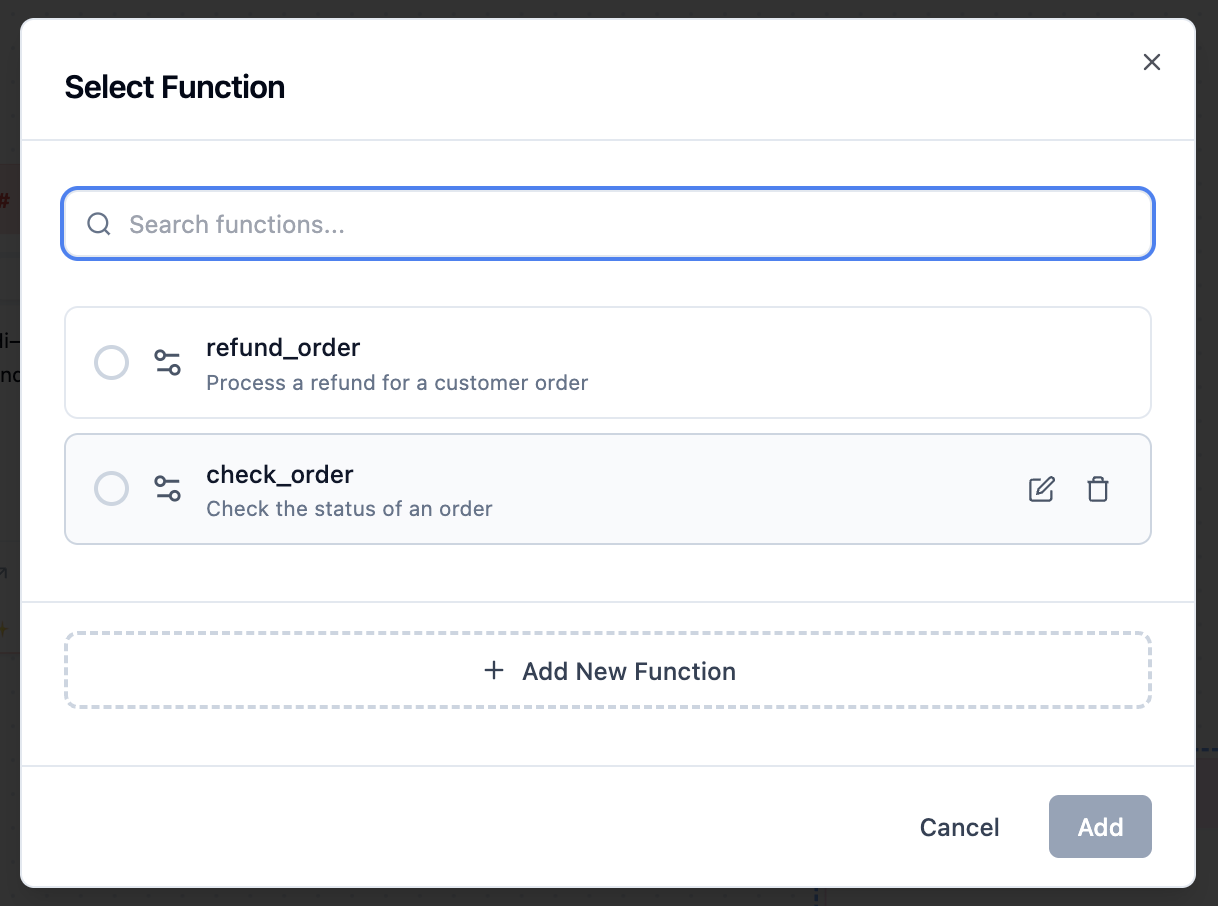
Add a function
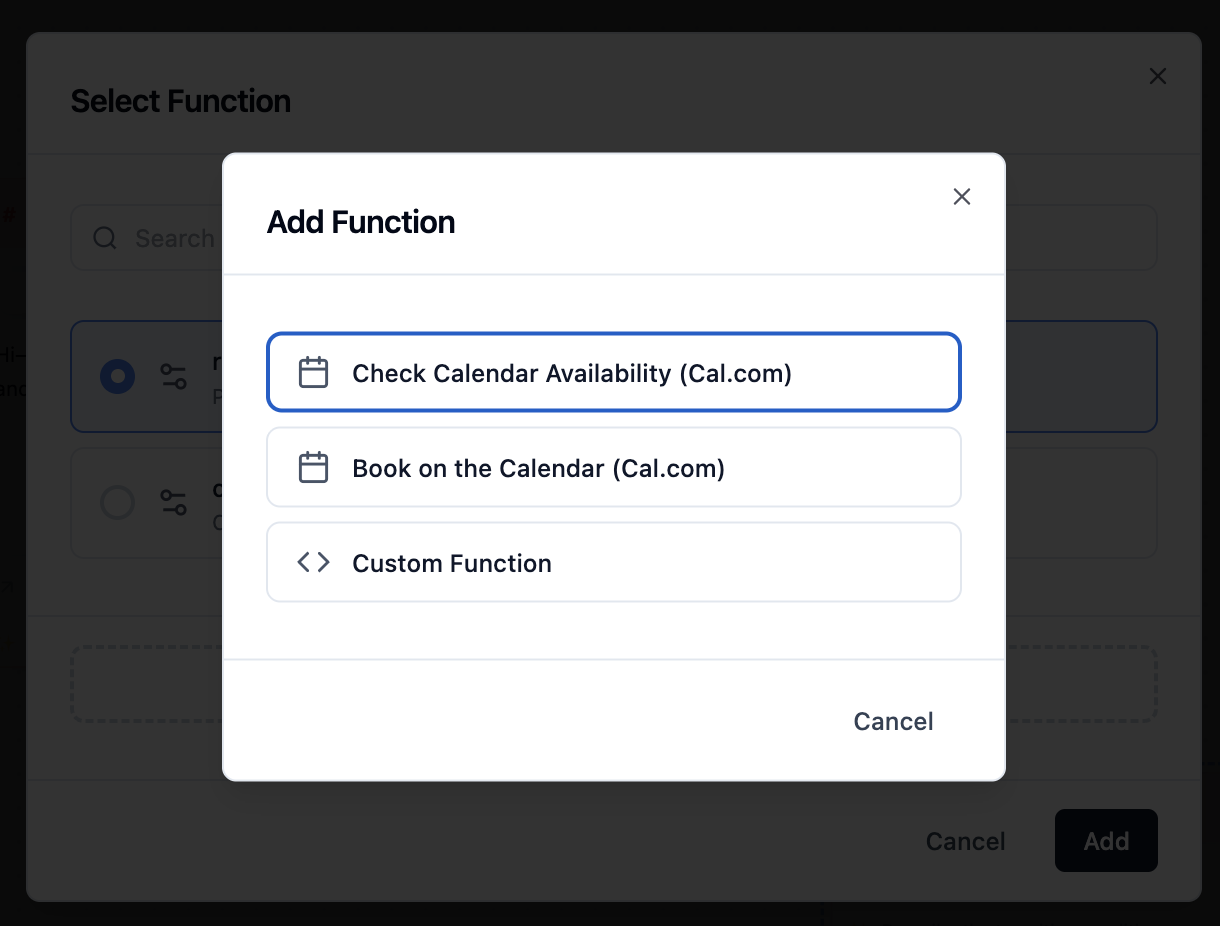
What you’re doing here:
- Choose pre-built functions (quick setup) or custom functions (your endpoint/schema).
- Provide a clear name + description so the model calls the right tool at the right time.
Empty function node (before configuration)
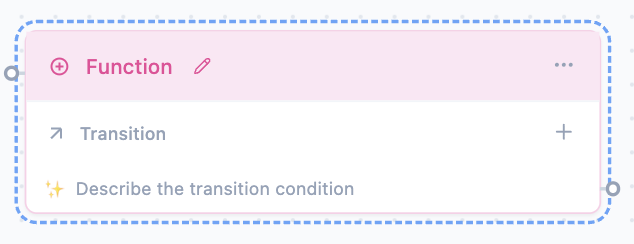
Treat “empty” as a checklist:
- Do you have all required inputs as variables (or do you need Extract Variable first)?
- Do you need explicit user consent before executing (booking, canceling, charging, etc.)?
- Have you defined the failure path (timeout, 4xx/5xx, invalid response)?
Node settings (inputs, mapping, behavior)
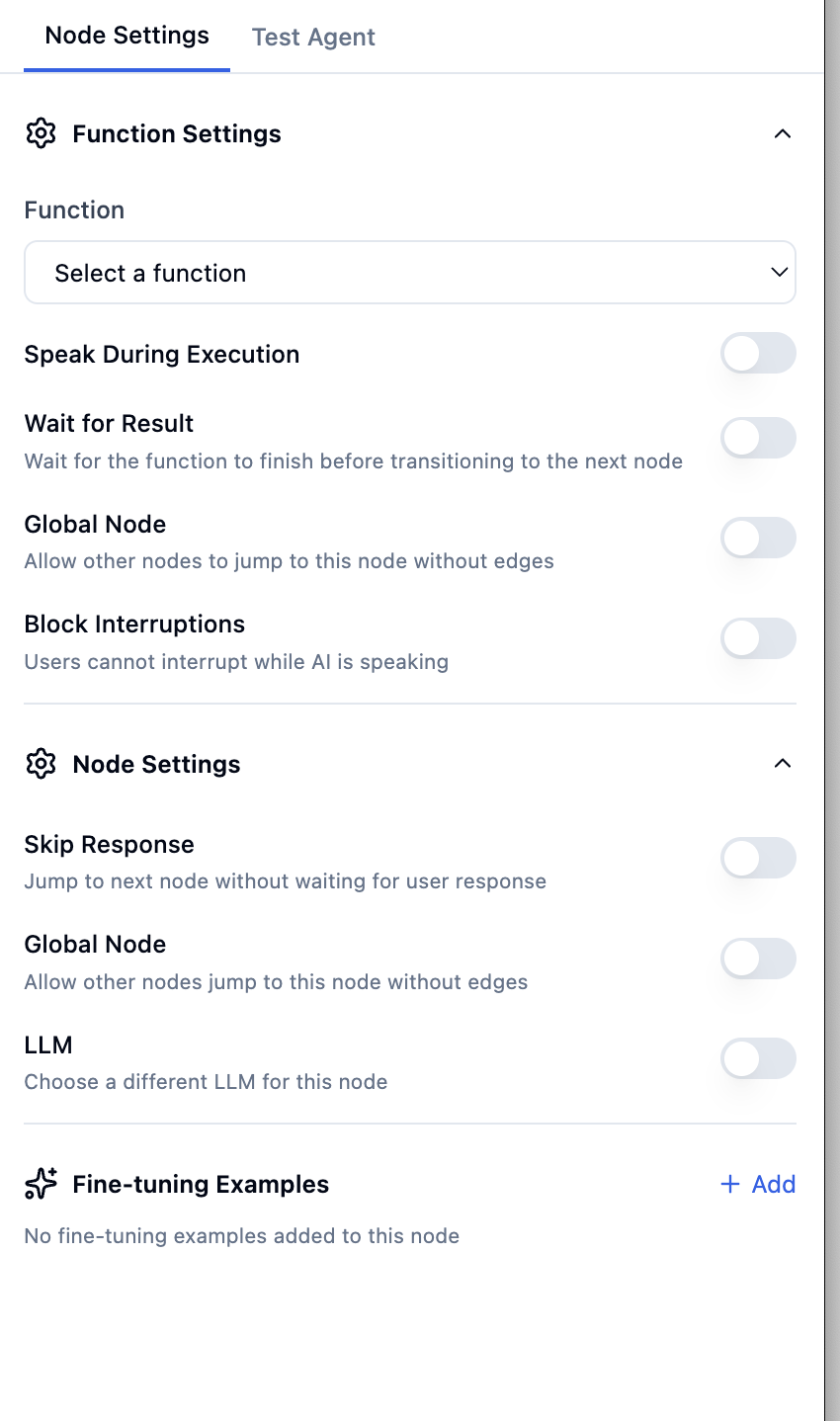
Common settings to be explicit about:
- Endpoint/method (for custom functions): what will be called, and how.
- Auth + headers: where credentials live, and whether they differ per environment.
- Parameters: required vs optional, and the allowed shapes/types.
- Input mapping: which variables populate each parameter (and any formatting/normalization).
- Response mapping: which response fields become variables for later nodes.
- Timeout/retry behavior: when to retry automatically vs ask the user to confirm again.
- Failure mode: retry, route to a human, or route to a “we’re having trouble” conversation node.
Implementation guidance for production flows:
- Prefer deterministic inputs: extract/validate first, then call the function.
- Make functions idempotent when possible (booking/canceling/payment-style actions).
- Always map the few response fields you actually need (don’t carry entire payloads through the flow).
Example function content (sample)
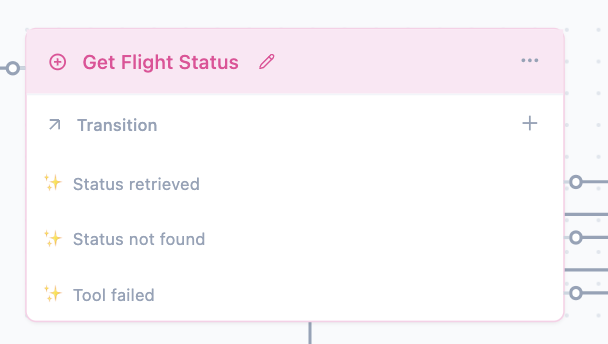
Best practice:
- Treat function calls as transactions: confirm → execute → confirm result.
- Make tool results user-safe: never read raw JSON; format into short, human messages.
Pre-built calendar examples
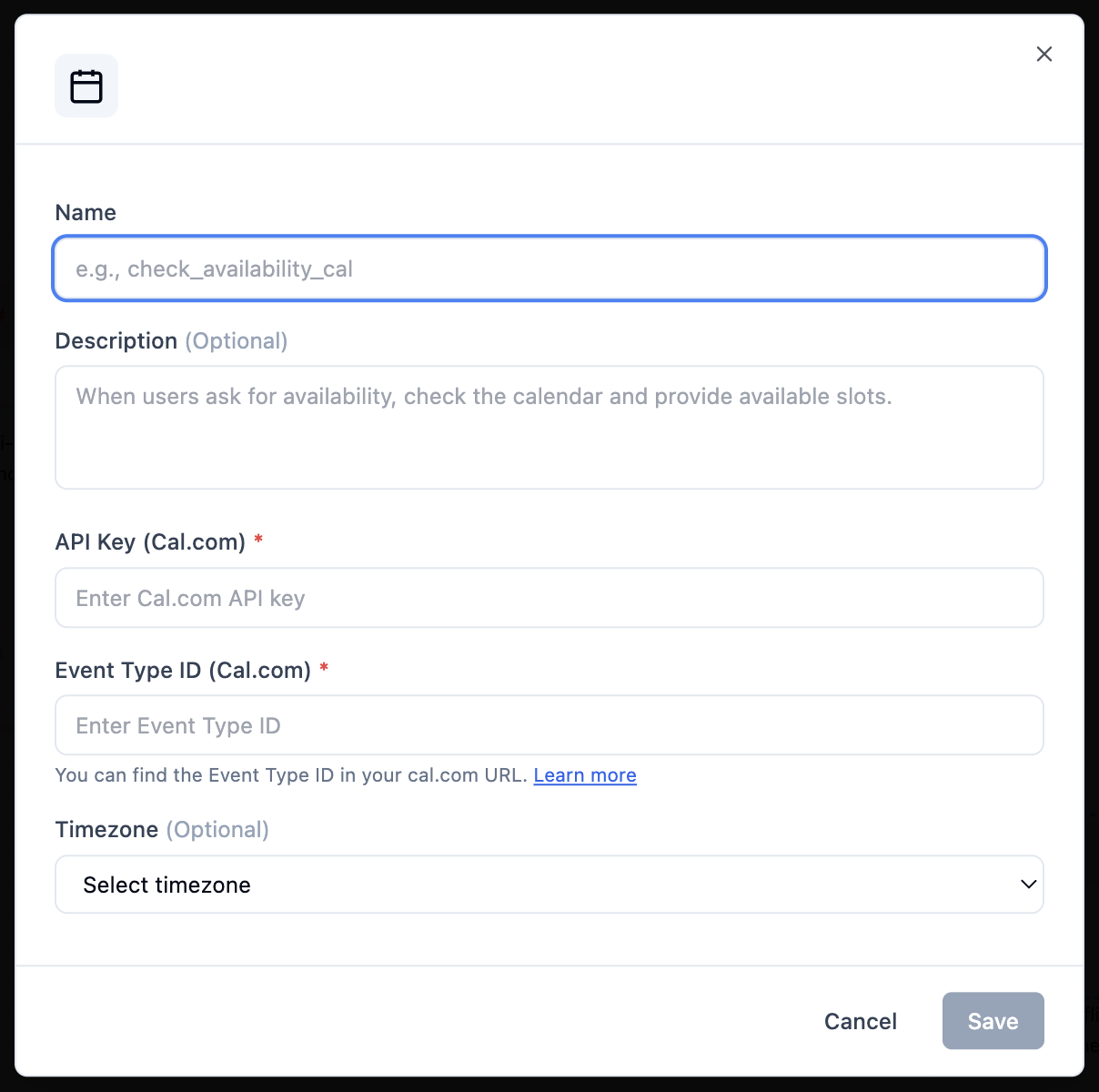
Recommended flow:
- Collect user constraints (date range, timezone, preference).
- Check availability (function).
- Offer 2–3 options (conversation node).
- Confirm selection (conversation node).
- Book (function).
- Read back confirmation details (conversation node) and optionally SMS it.
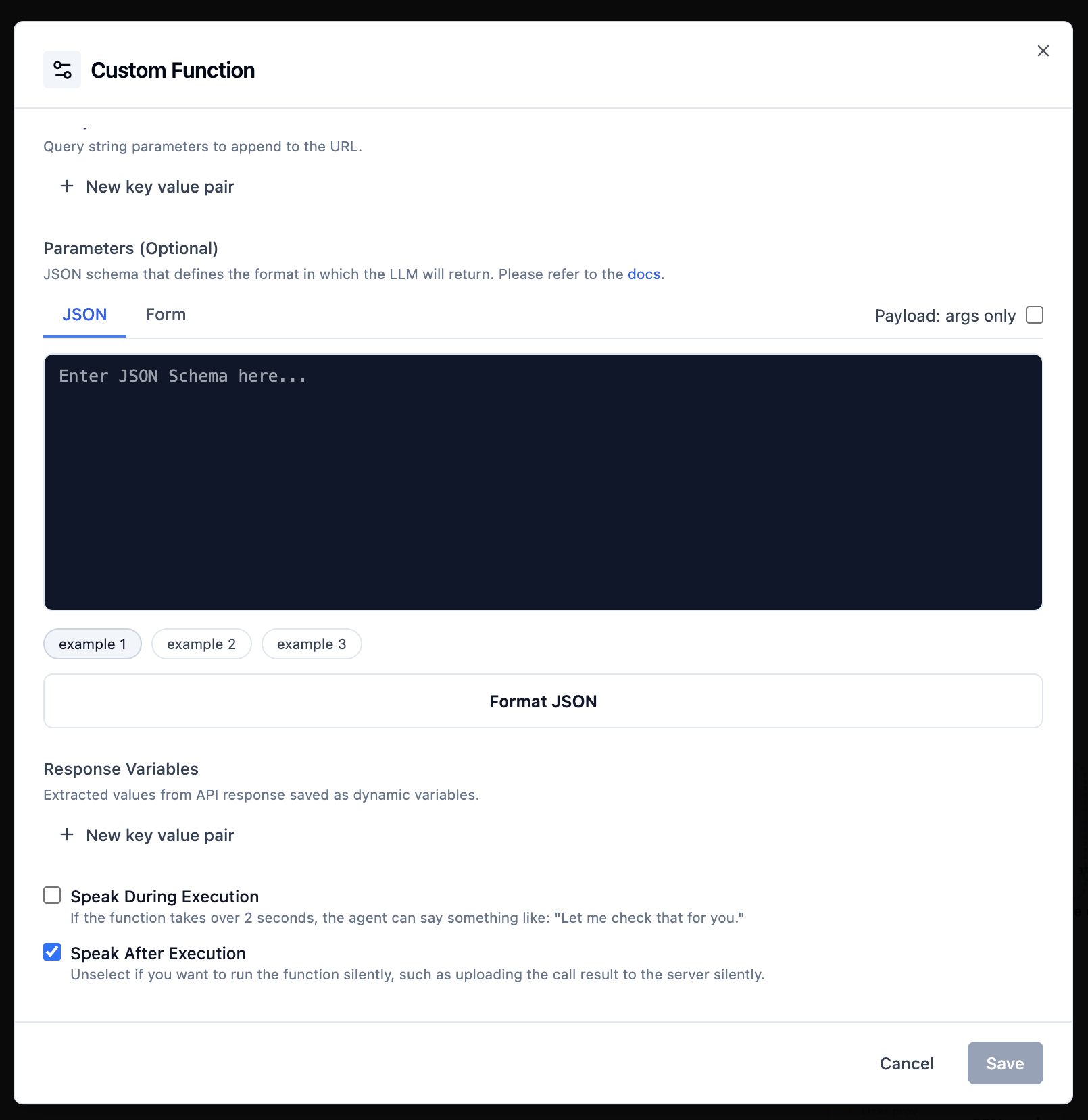
Custom function variants (schema-driven)
.png)
What “good” looks like for custom functions:
- The description says when to use it (and when not to).
- Parameter names match your business terms (
customerId,orderNumber,startTime). - The response mapping turns raw API output into human-ready fields (e.g.,
appointmentTimeLocal).
SMS node (send a text message)
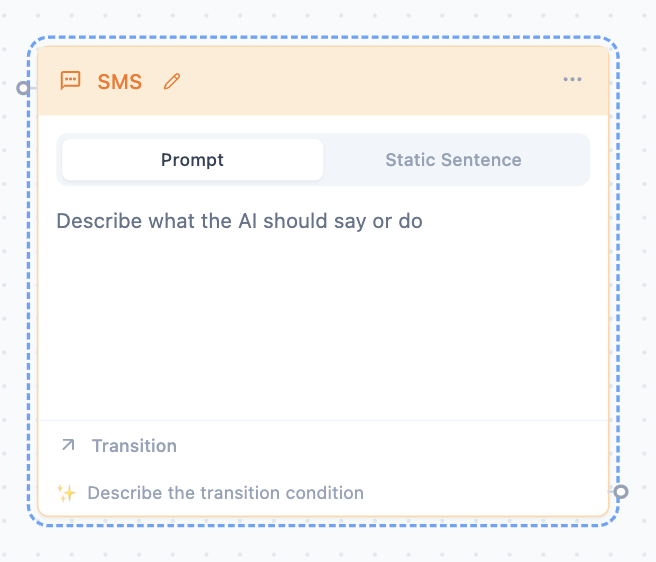
Use SMS to send confirmations, links, follow-ups, or summaries. This is especially useful after booking an appointment or collecting contact info.
SMS node example
What to include in SMS messages:
- The key outcome (e.g., “Booked for Tue 3pm”).
- A stable identifier (confirmation code, ticket number).
- Next steps (reschedule link, address, documents).
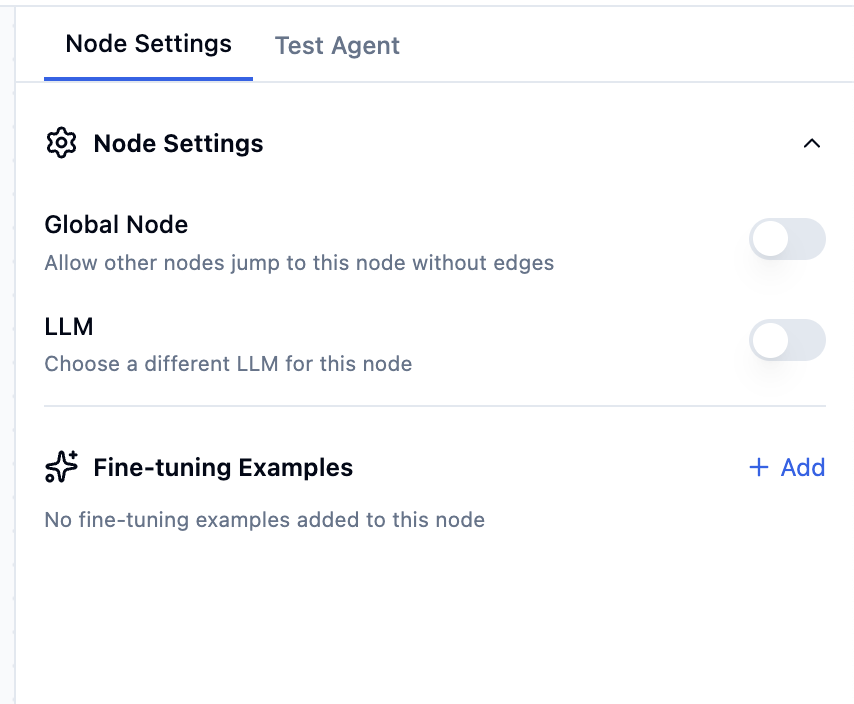
Settings (recipient, message template, variables)
What to validate before shipping:
- The recipient number is correct and consent rules are satisfied (region dependent).
- You don’t leak internal variables or raw tool outputs.
- Links are stable and short enough for SMS.
Useful SMS patterns:
- Send a confirmation immediately after a successful tool call (booking/ticket creation).
- Send a fallback after transfer failure (“We couldn’t connect you; reply with a time to call you back.”).
- Avoid sensitive data in SMS (region and compliance dependent).
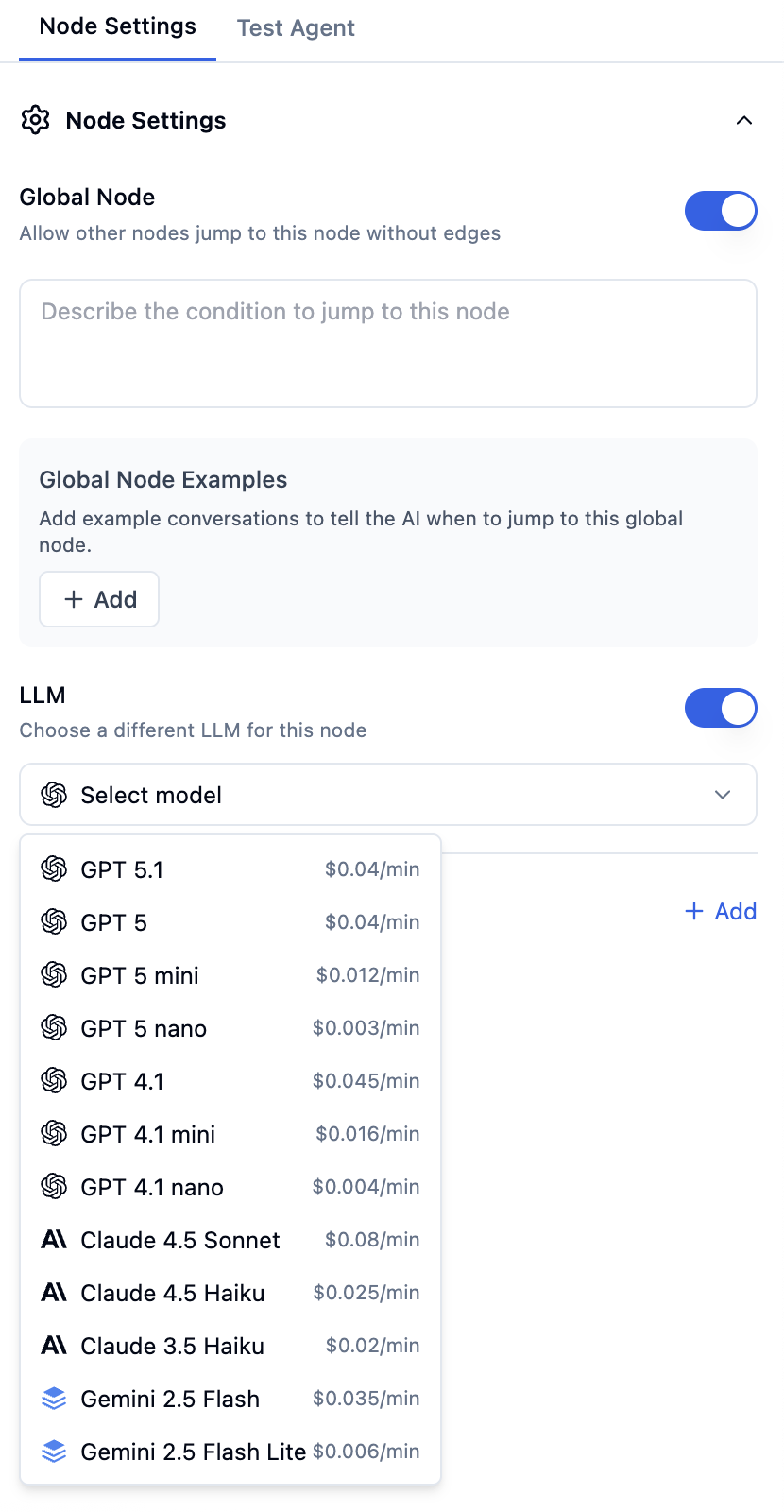
LLM-assisted SMS copy (optional)
Global node patterns
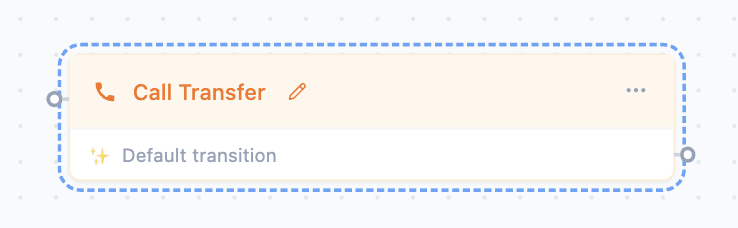
Call Transfer node (transfer the phone call)
Call Transfer moves the live call to another phone number or endpoint. Use it when you need a human agent, a specialized queue, or a legacy IVR.
Empty call transfer (not configured yet)
Node settings
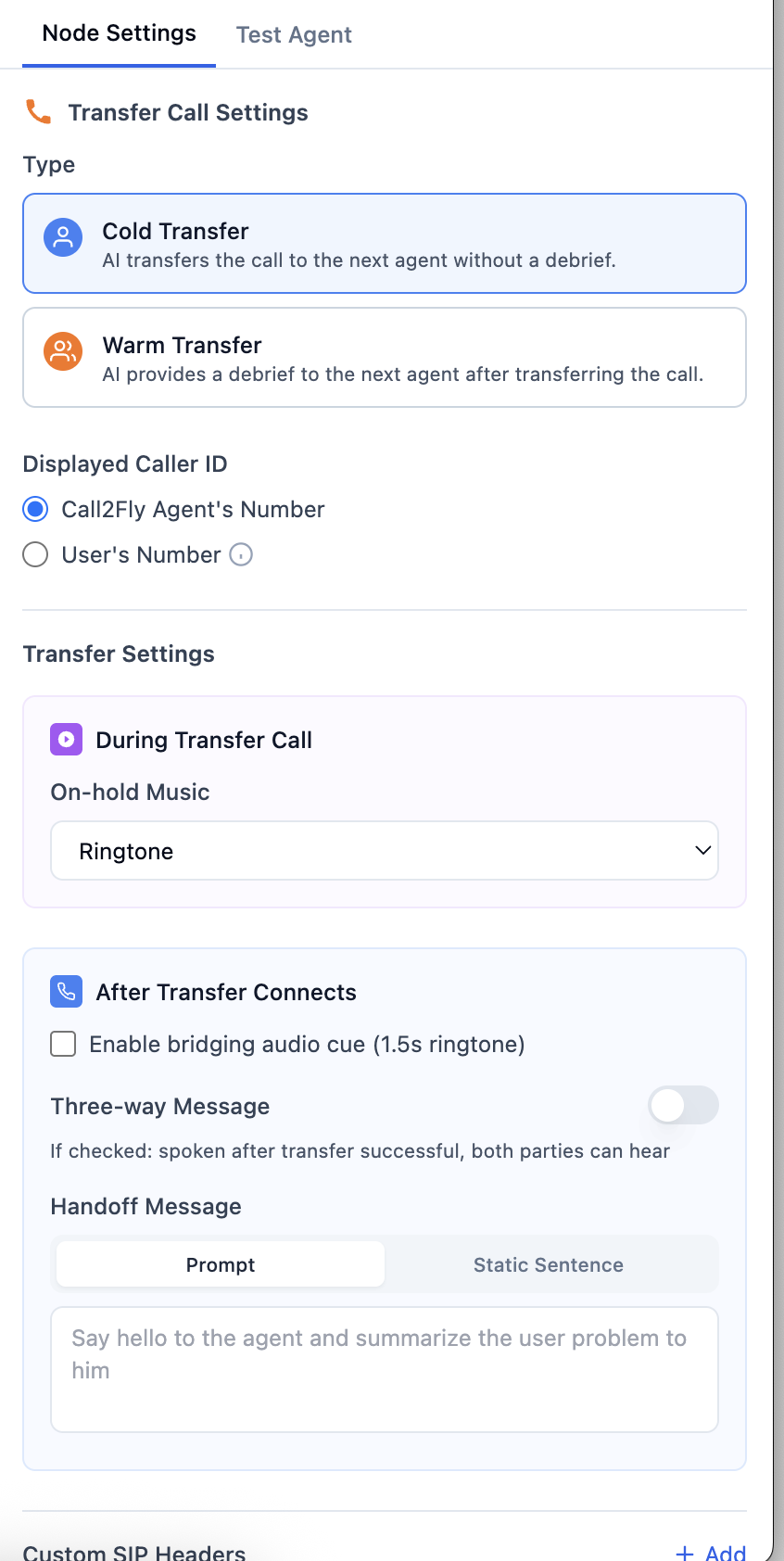
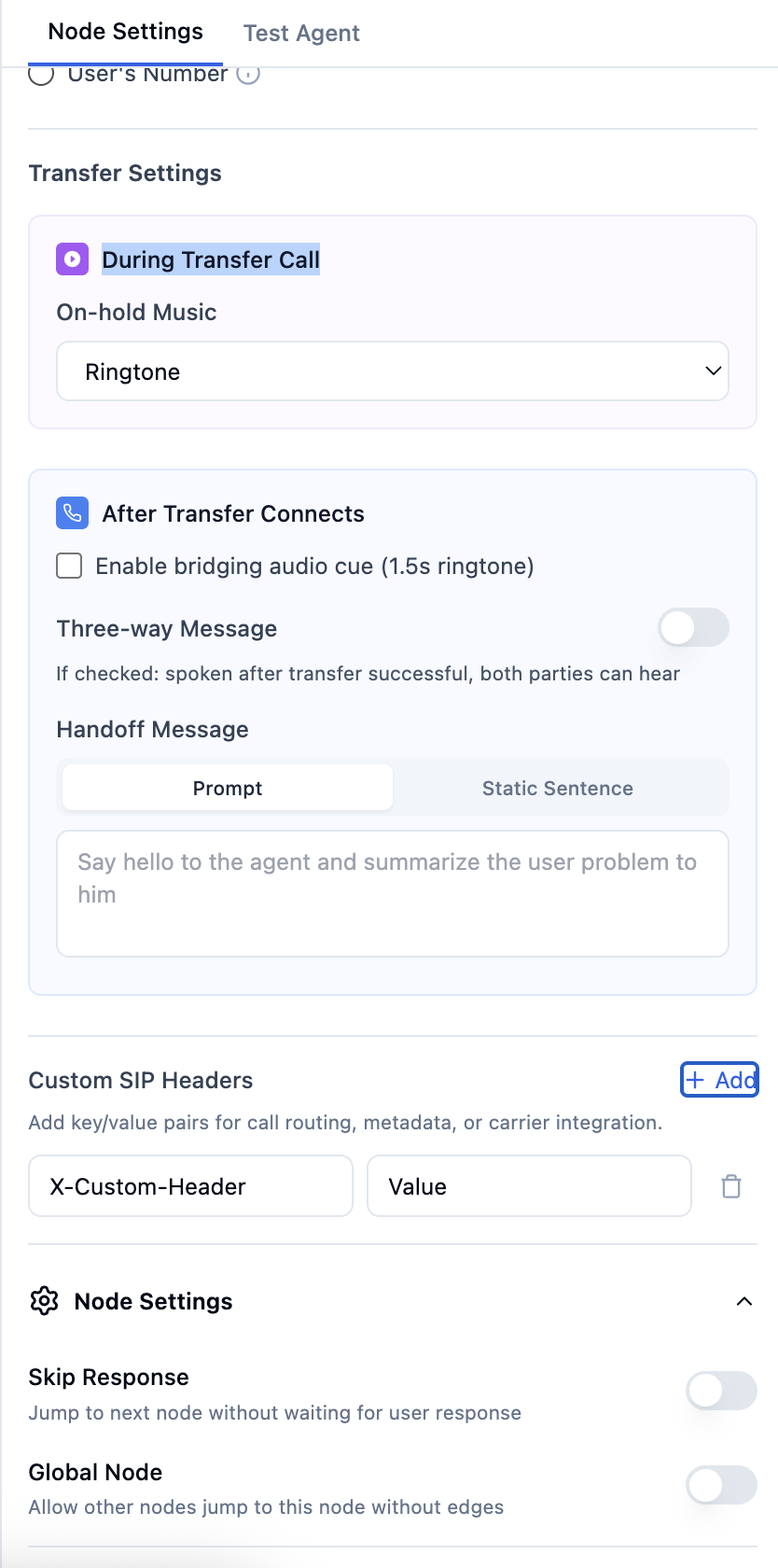
Key decisions:
- Destination: where the call goes.
- Warm vs cold transfer: whether the agent speaks during transfer and/or summarizes context.
- Fallback: what to do if transfer fails (busy/no answer/error).
Recommended transfer UX:
- Tell the user what will happen (“I’m going to connect you to an agent now.”).
- If warm transfer is enabled, summarize in one sentence (problem + key identifiers).
- If transfer fails, return with a clear next option (leave voicemail, schedule callback, SMS link).
Always define a transfer failure path
Transfers can fail (busy/no-answer/invalid destination/network). Make the fallback explicit: return to the user, take a message, offer SMS follow-up, or route to another queue.
Warm transfer pattern
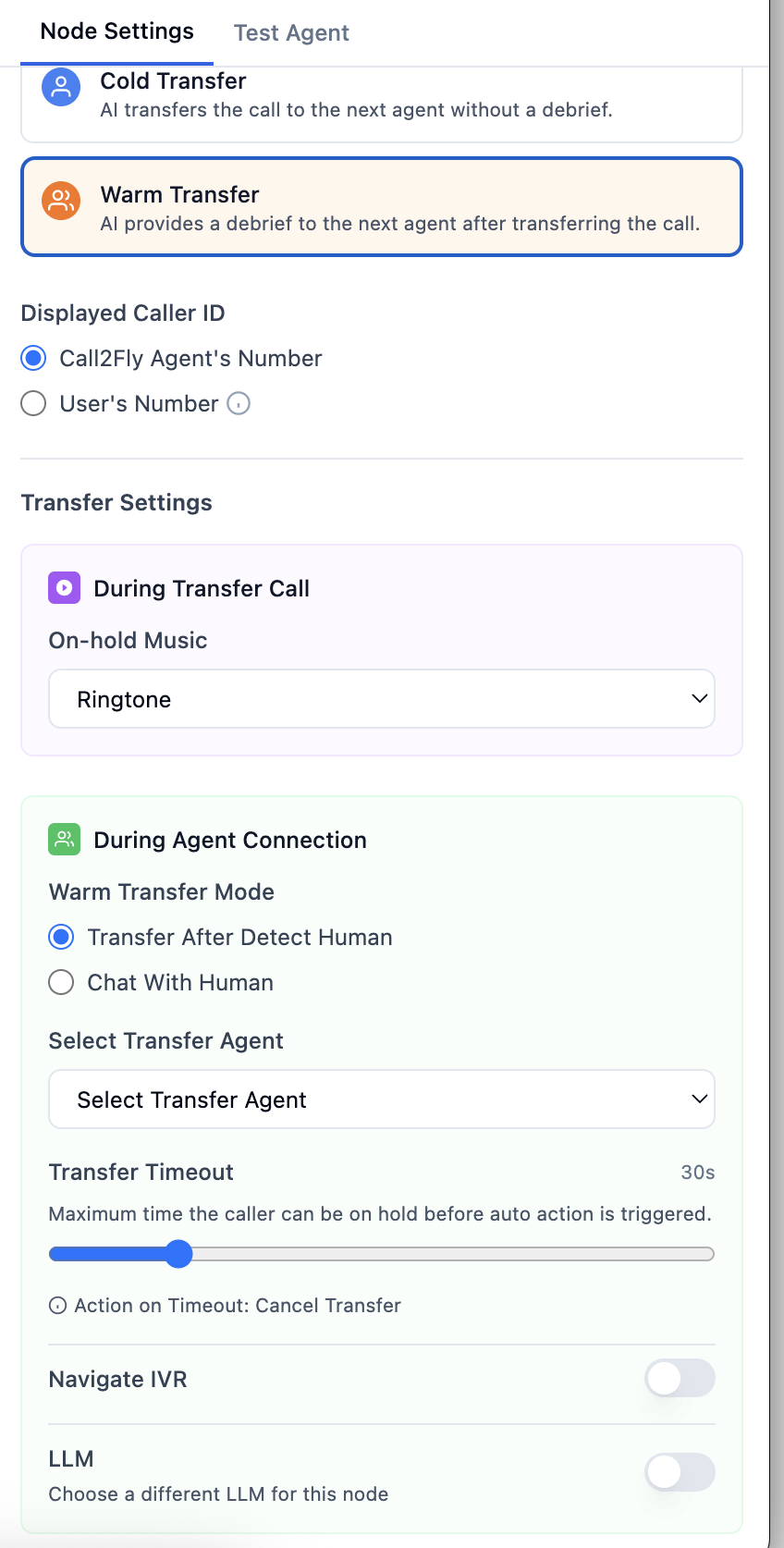
Warm transfer best practice:
- Tell the user you’re transferring them.
- Provide a short summary to the human (if enabled).
- Return to the user if the destination doesn’t pick up.
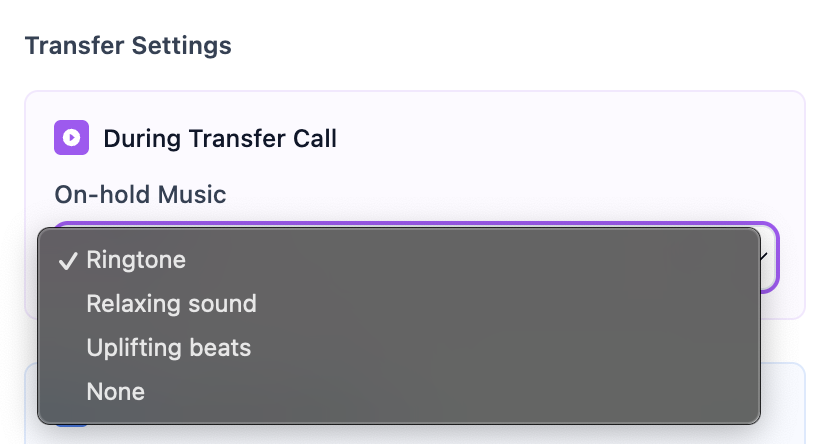
During transfer (live experience)
Agent Transfer (handoff to another agent)
Agent Transfer hands the conversation to a different agent configuration (e.g., route from “triage” agent to “billing specialist” agent).
This is useful when:
- You want specialization (a short triage agent → a deep support agent).
- You want different policies/voices per department.
- You want separate analytics and maintenance ownership per flow segment.
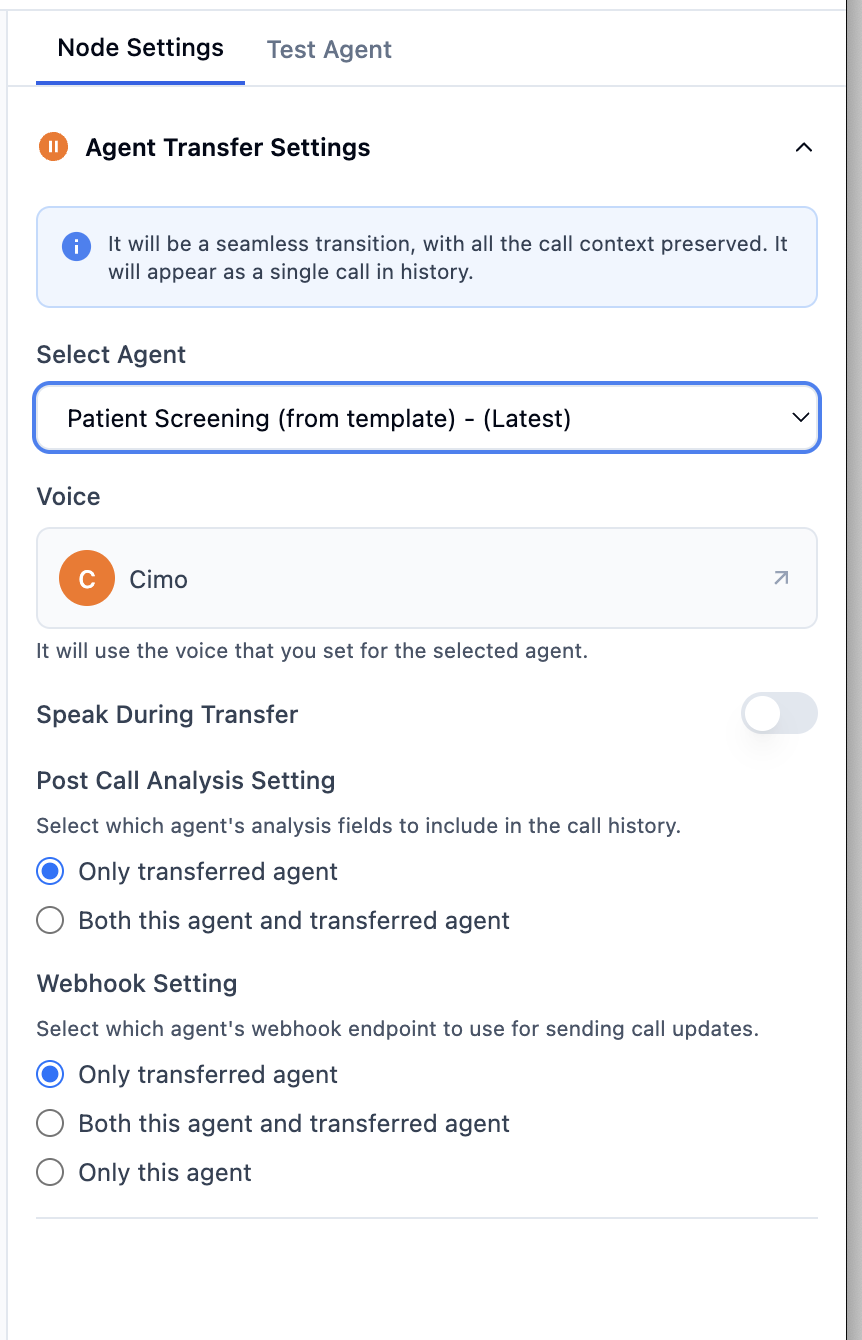
Selecting the destination agent
Agent transfer settings
Speak during transfer (voice UX)
.png)
When to enable speaking:
- If the transfer may take time and silence feels broken.
- If you want to set expectations (“This may take up to 30 seconds…”).
Sample transfer behavior
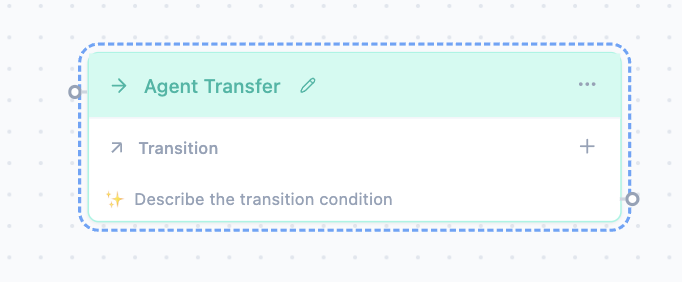
Handoff quality checklist:
- Pass a short summary (what the user wants, what’s been collected).
- Pass key variables (name, phone, order id, preferred time).
- Avoid leaking internal notes or policy language.
Keep handoffs minimal and structured
Pass only what the next agent needs to continue: a 1–2 sentence summary + a small set of typed variables. Too much context makes the receiving agent less predictable.
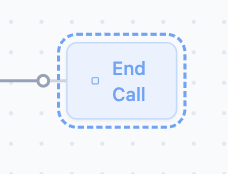
End Call node (terminal state)
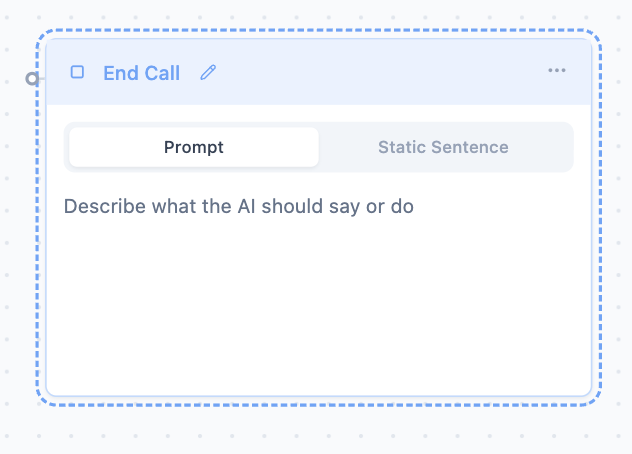
End Call cleanly closes the conversation. This is important for user experience and for reporting (clear call outcome).
End call example
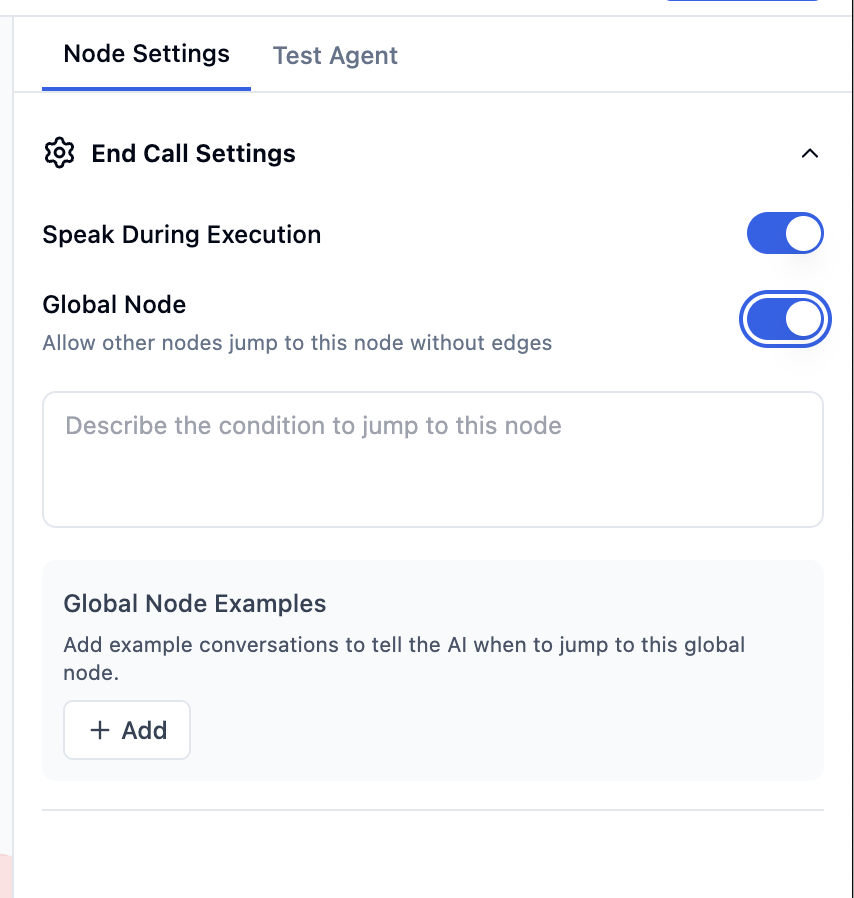
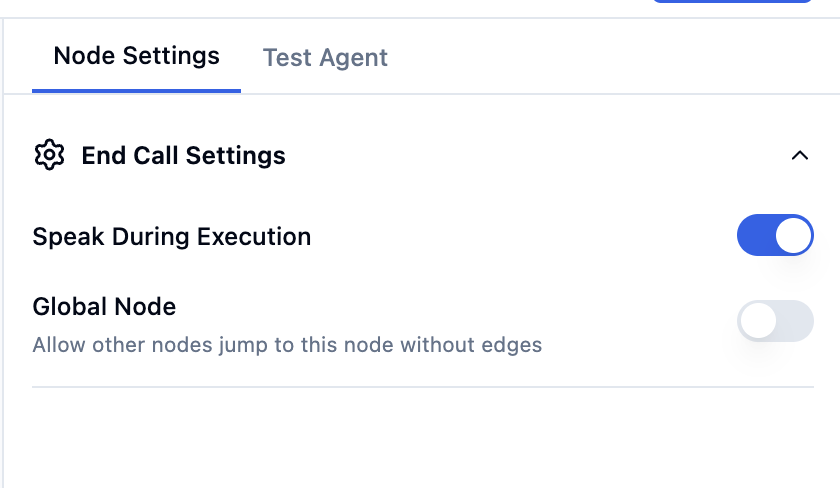
Settings
Sample end call script
Best practice:
- Confirm the outcome (“You’re all set…”).
- Provide next steps (email/SMS follow-up, business hours, link).
- Thank the user and end cleanly.
Global settings
Global settings are the “defaults” and guardrails for the entire agent. Configure these before fine-tuning every node; it reduces drift and duplication.
Rule of thumb
If a requirement is true for every node (“never ask for SSN”, “always confirm bookings”, “use this tone”), it belongs in Global settings—not inside 20 node prompts.
Global settings entry point
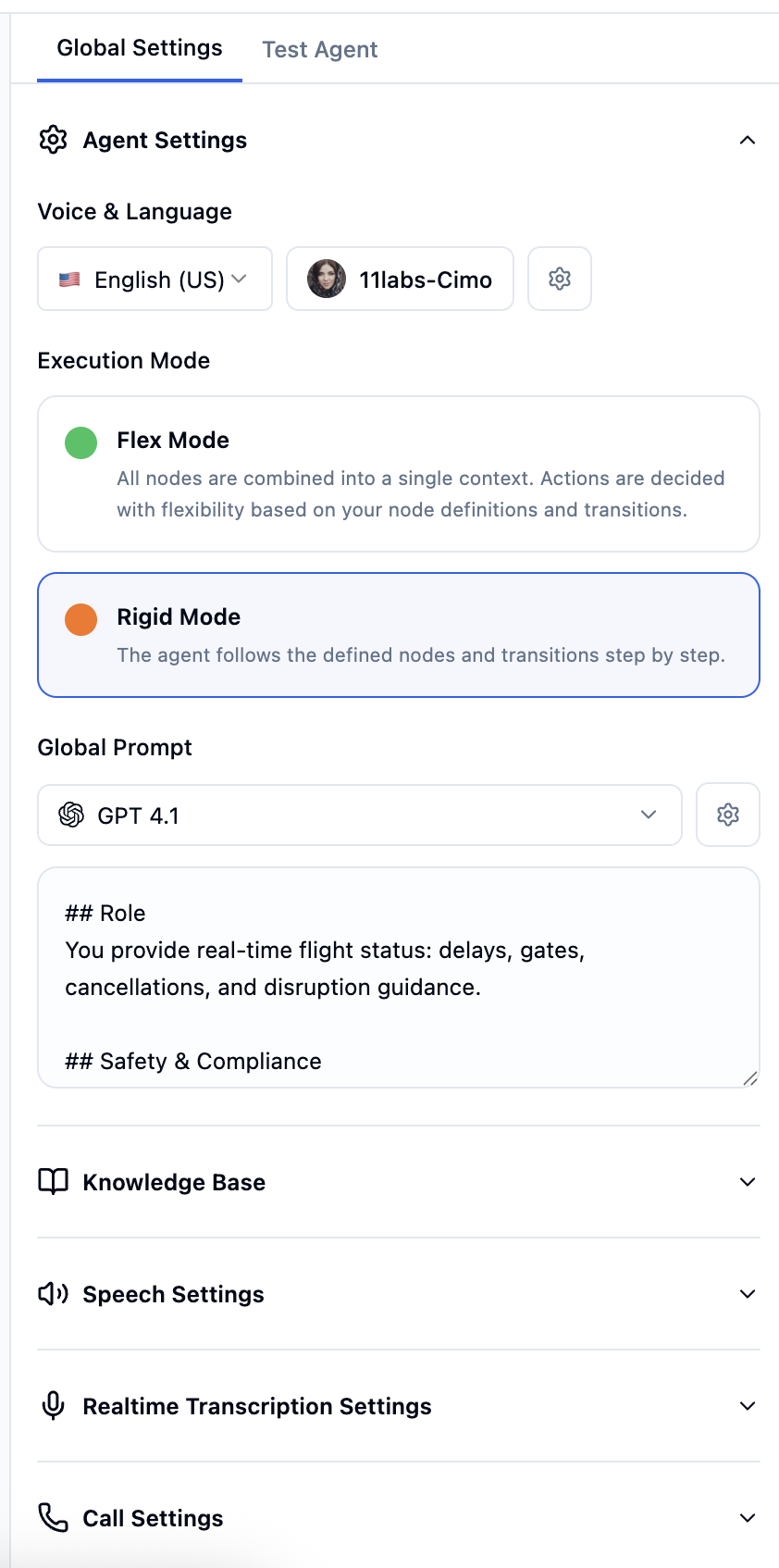
Global prompt (tone, policy, and constraints)
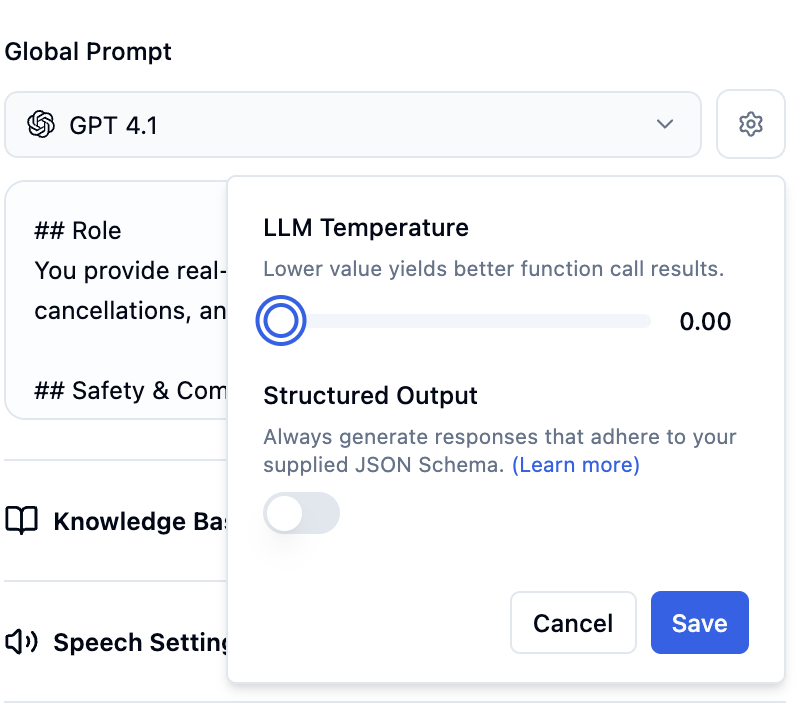
Use the global prompt for:
- Role + tone: what the agent is and how it should sound.
- Policy constraints: safety, compliance, what to refuse.
- Style rules: brevity, language, formatting (especially for chat).
Also include:
- Escalation policy: when to transfer to a human, and what details to include.
- Data-handling rules: what PII is allowed, and how to confirm sensitive actions.
Voice and speech settings (voice agents)
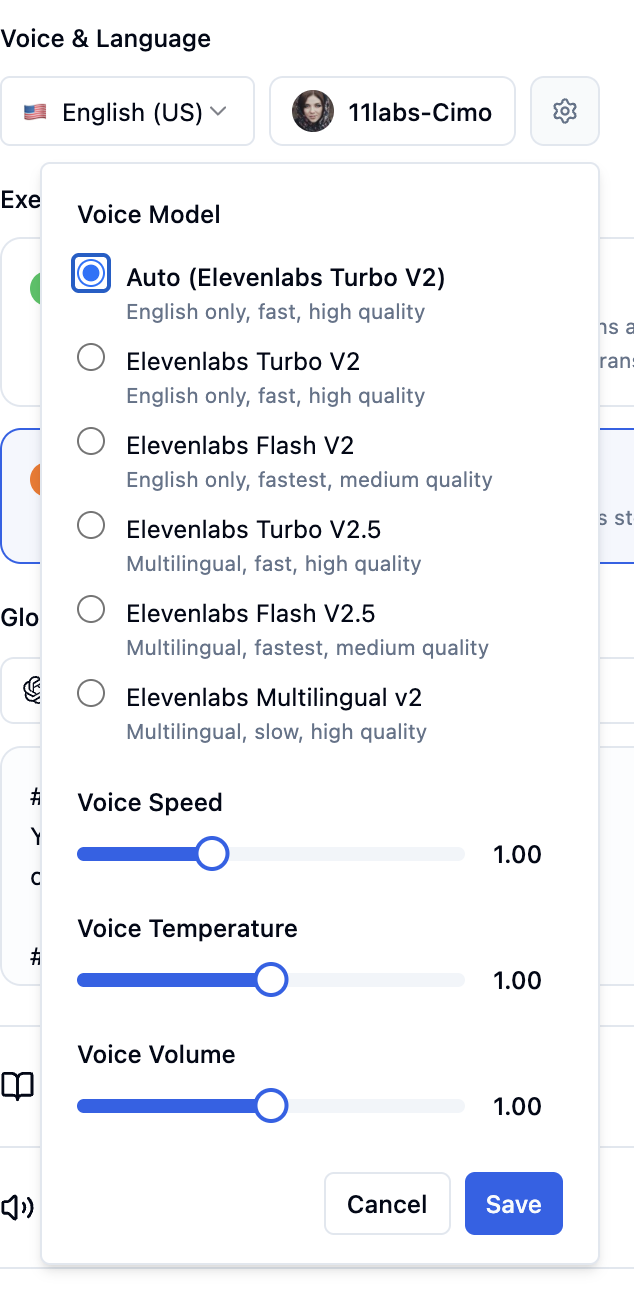
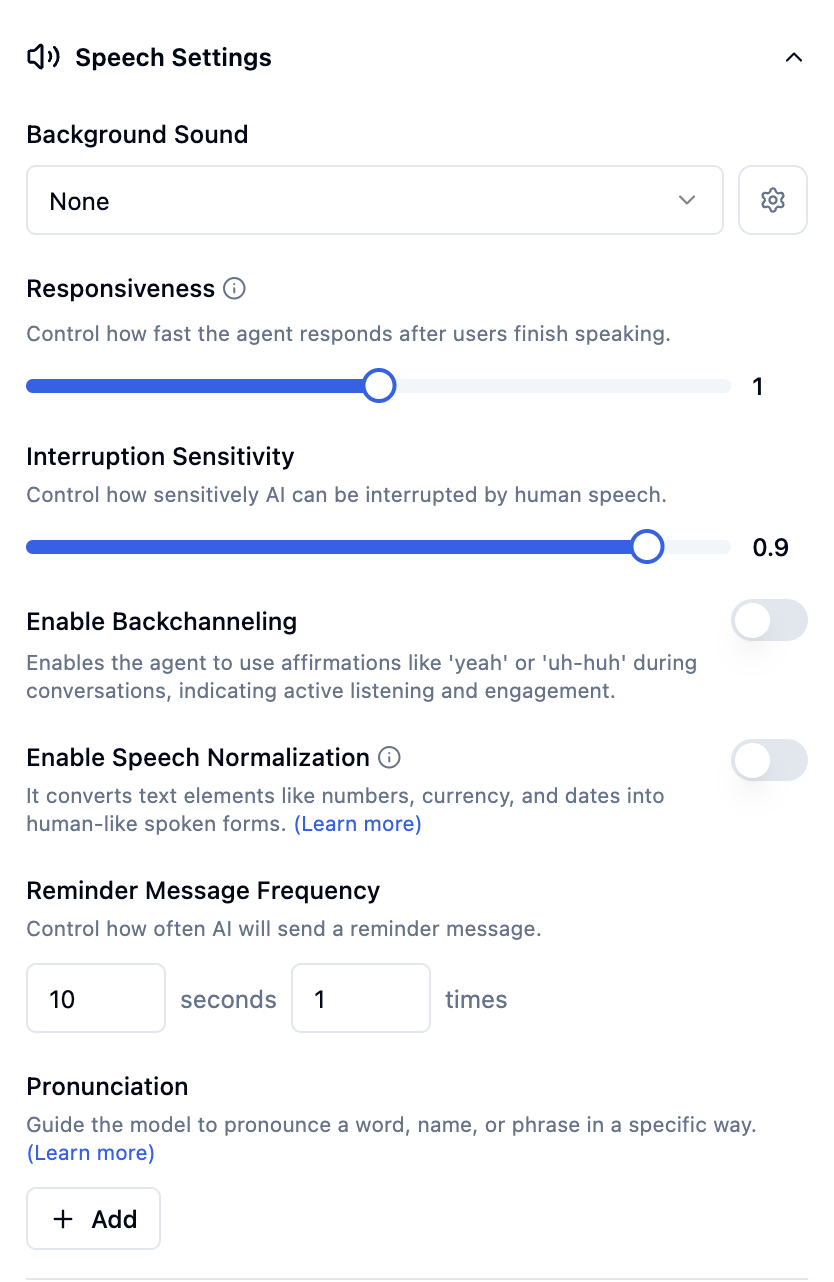
What to confirm here:
- Voice matches brand (formal vs casual).
- Speech rate and language match your audience.
- Handling of interruptions/barge-in (if applicable).
Call settings (call lifecycle behavior)
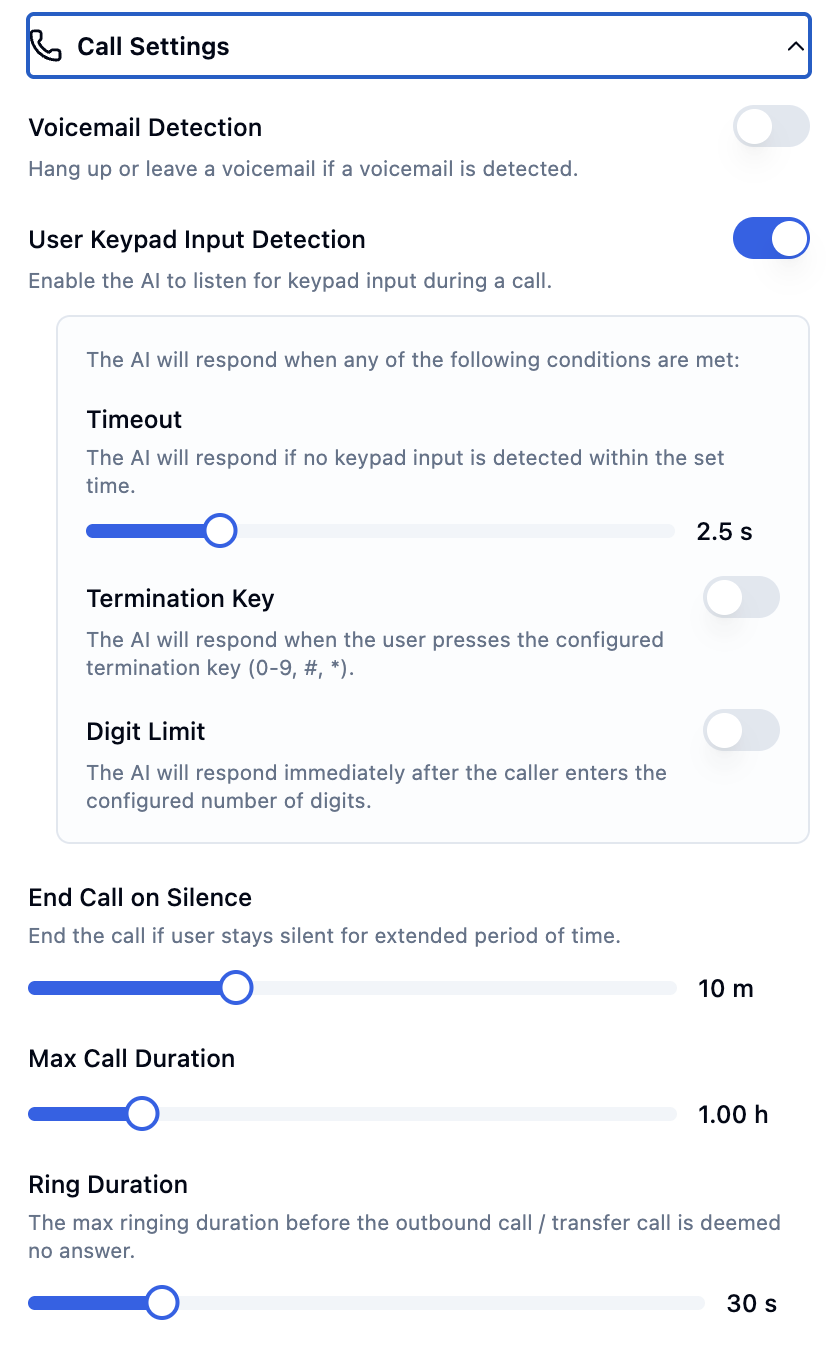
What typically lives here:
- Greetings and initial behavior.
- Default timeouts and retry behavior.
- Recording/transcription-related toggles (if exposed in your build).
Transcription settings (accuracy + cost tradeoffs)
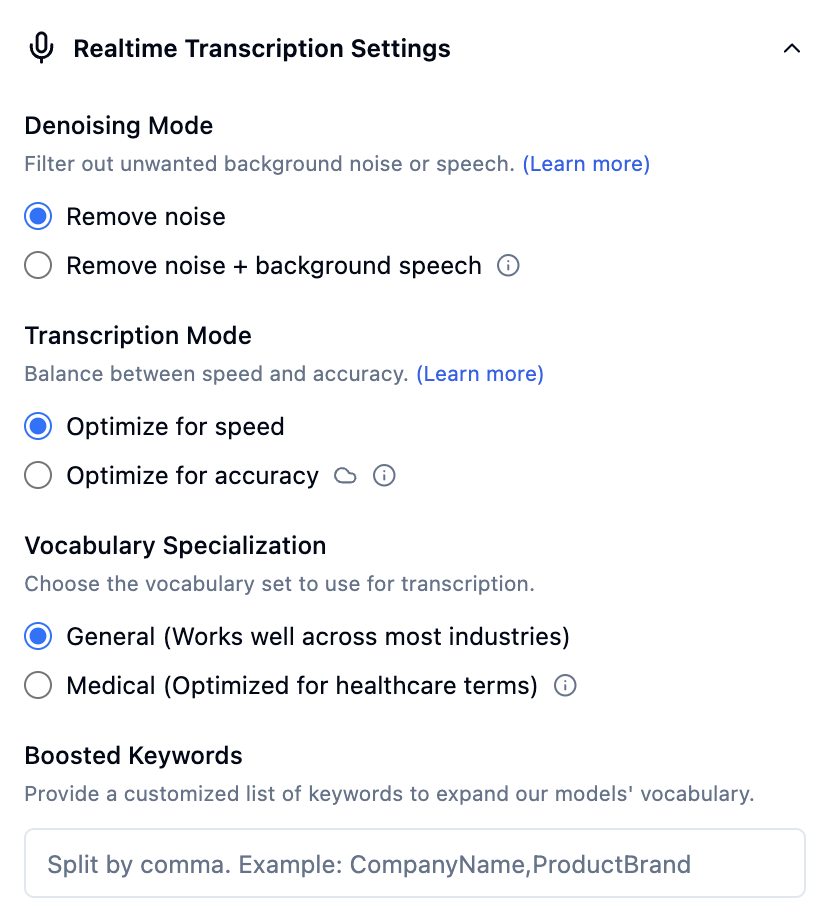
Practical guidance:
- Use higher accuracy for compliance-critical flows.
- Validate recognition of names, addresses, and alphanumerics (common failure points).
Knowledge Base (agent grounding)
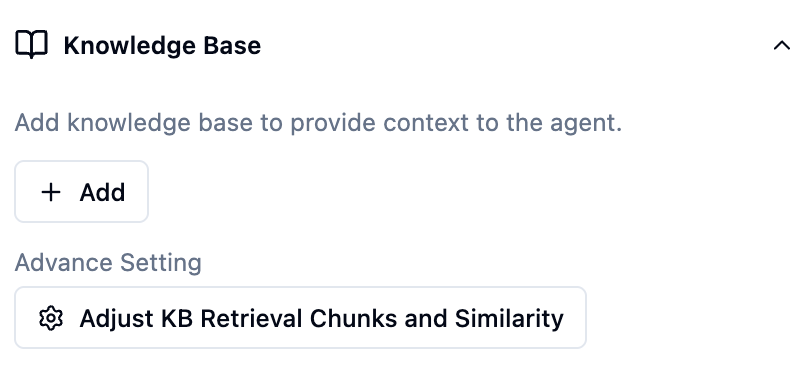
Use knowledge bases for:
- FAQs, policies, product docs, internal runbooks.
- Anything that must stay consistent across nodes.
Webhooks (integration events)
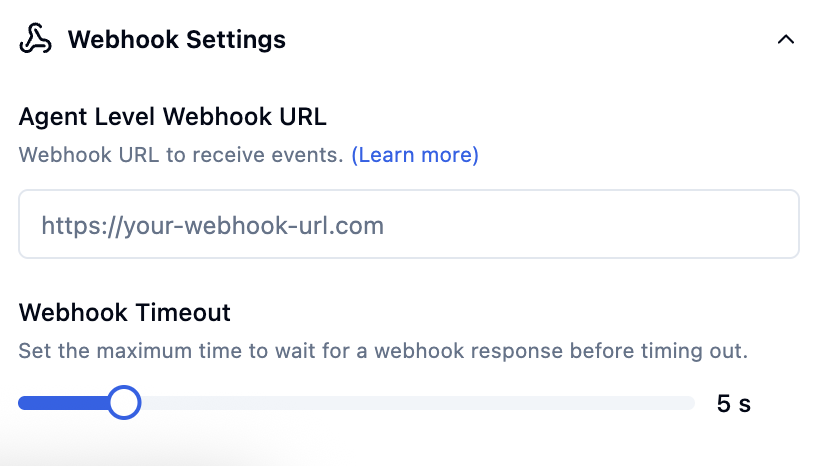
Common webhook events:
- Conversation started / ended
- Function called (inputs/outputs)
- Transfer attempted / succeeded / failed
Security (data boundaries)
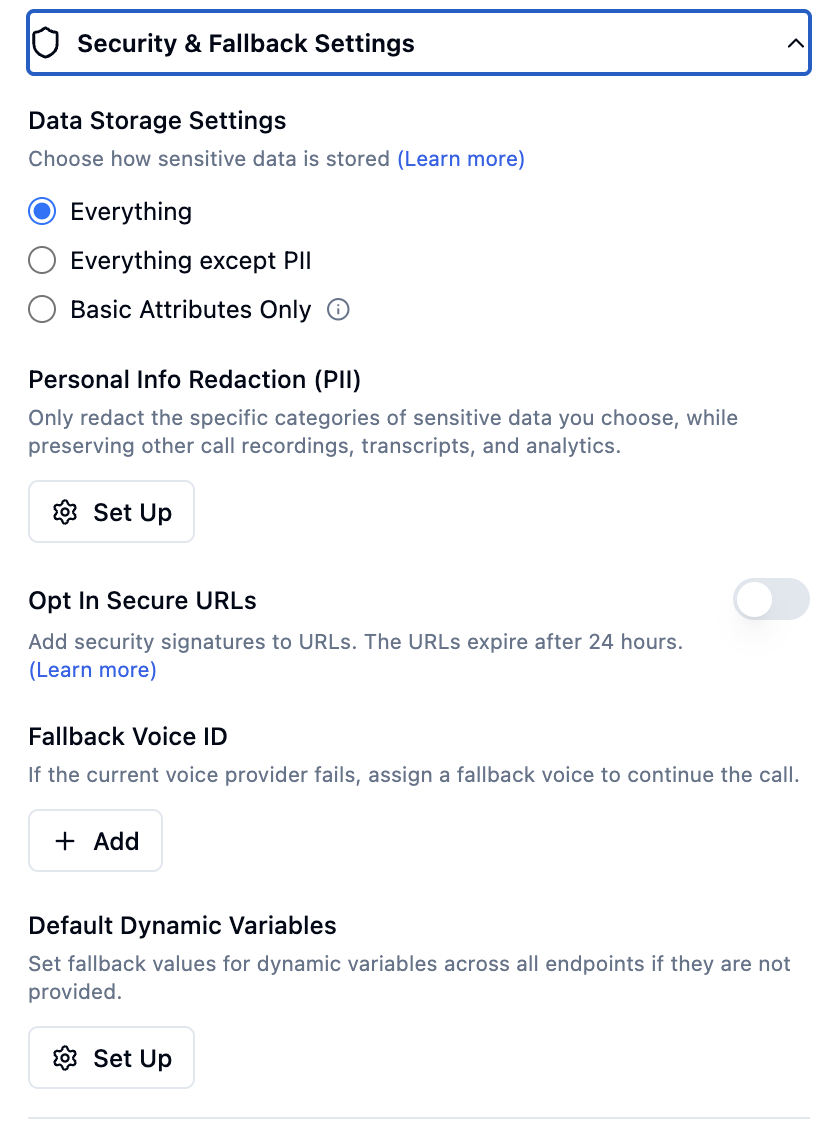
Security decisions to document internally:
- Which data is allowed in logs.
- Whether to store transcripts/recordings and for how long.
- Redaction rules for PII/PHI (if applicable).
Post-call actions (summaries, tagging, follow-ups)
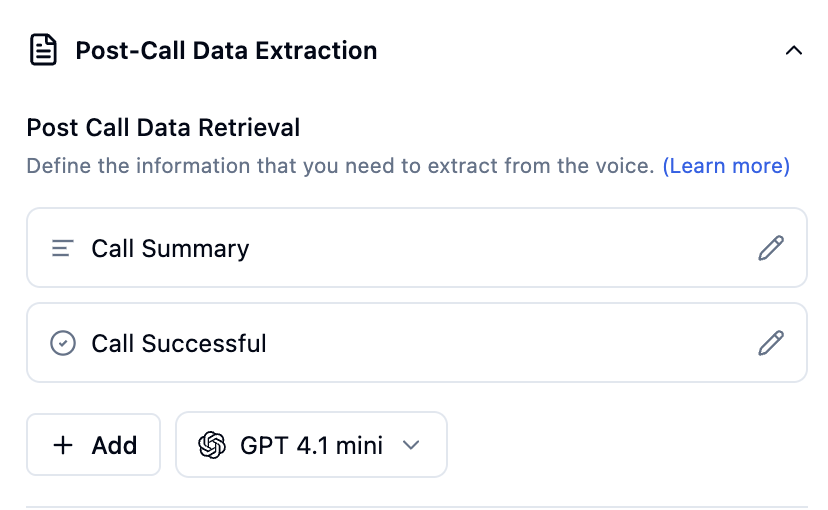
Use post-call steps to:
- Generate conversation summaries.
- Tag outcomes (“booked”, “no answer”, “needs follow-up”).
- Push structured results to downstream systems.
MCP integrations
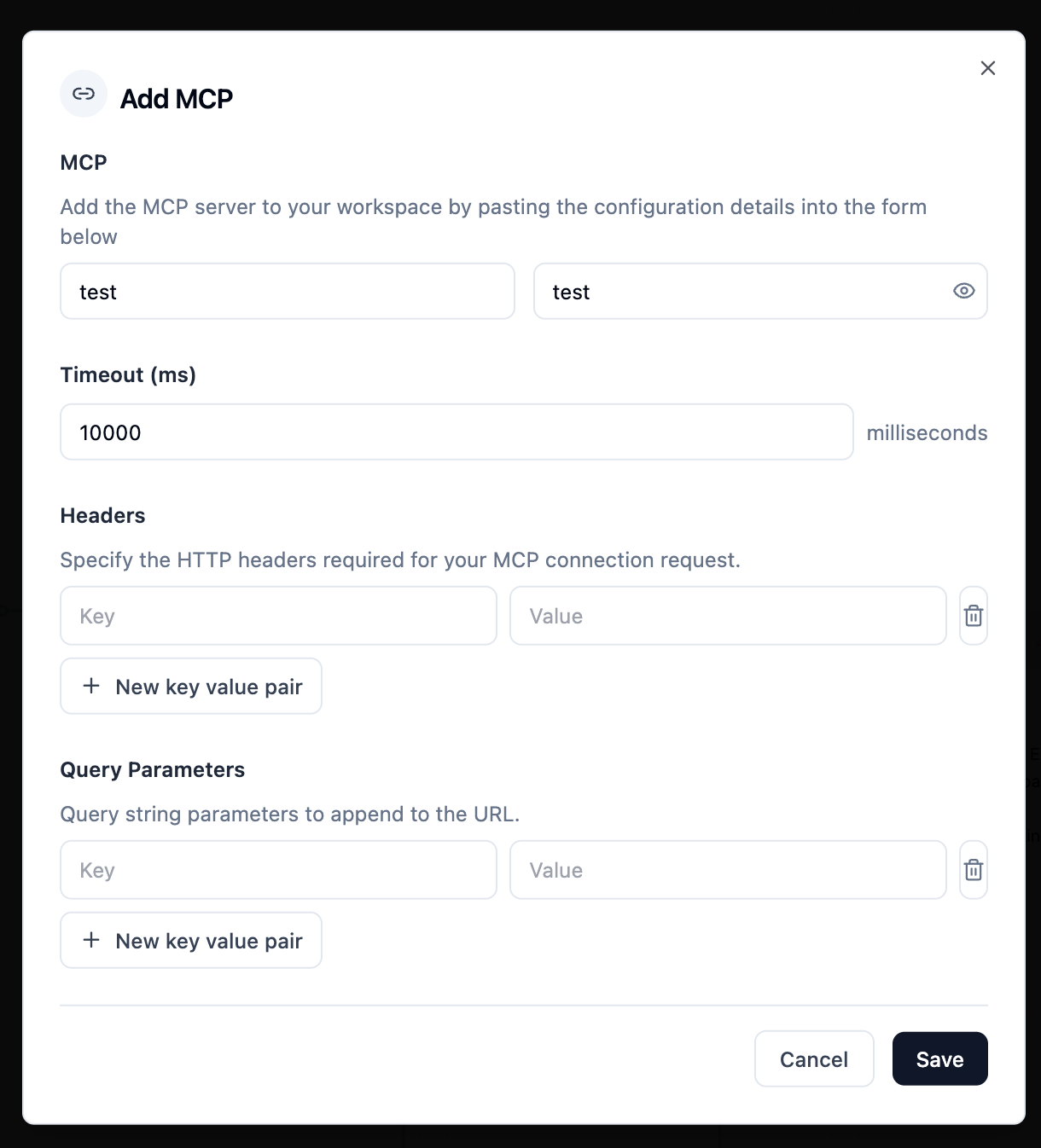
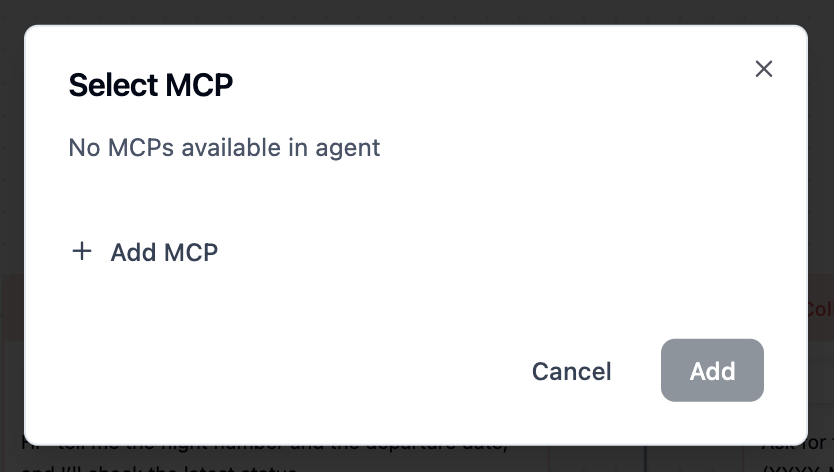
MCP enables selecting and connecting external tool providers so your agent can use them (often via Functions or related integrations).
Add an MCP integration
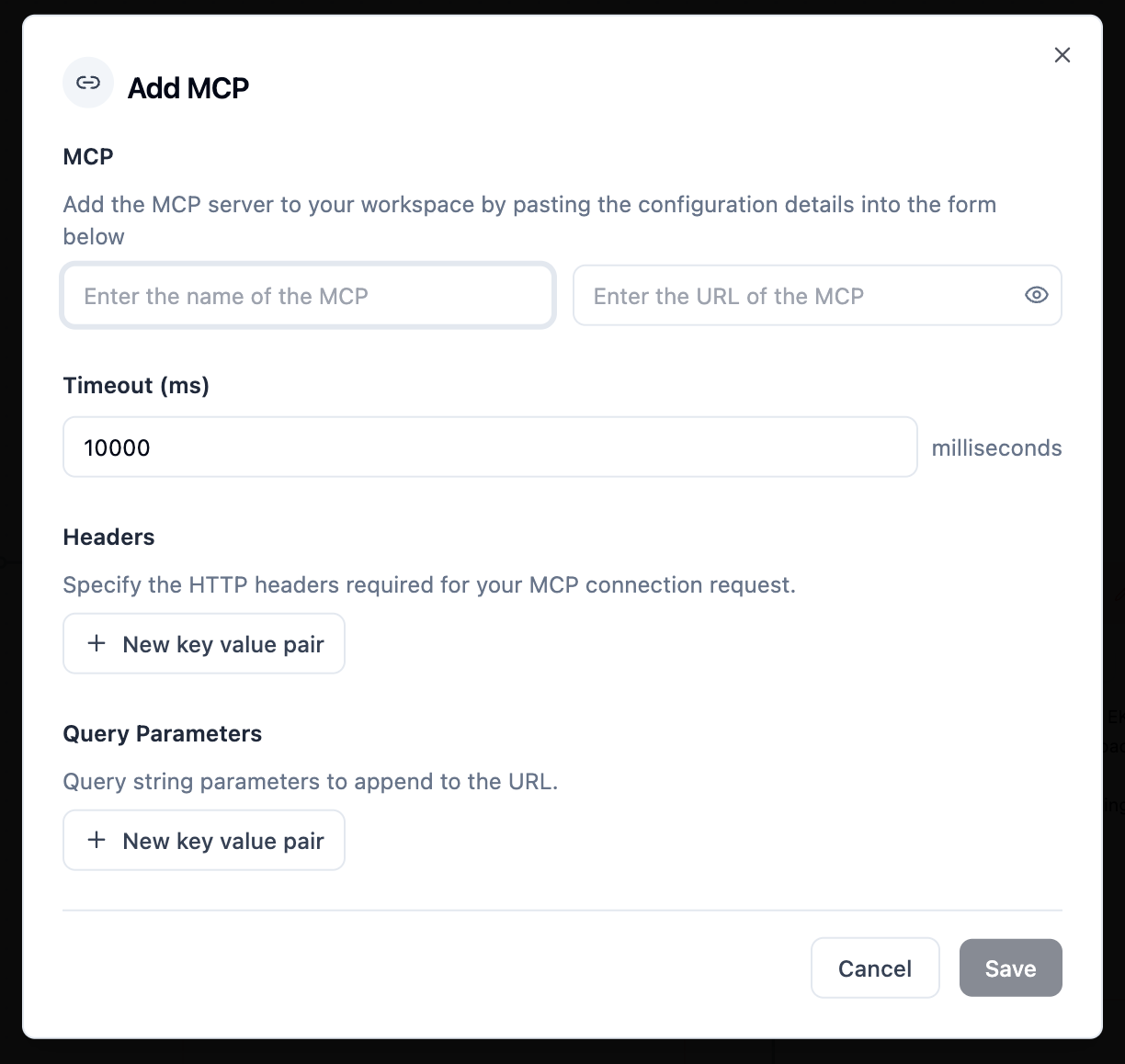
Select an MCP integration
Recommended approach:
- Start with one integration and validate end-to-end behavior.
- Add monitoring (webhooks/logging) before scaling to many tools.
Recommended build order
This sequence keeps your graph readable and reduces rework:
- Configure Global settings (prompt, voice, knowledge, security).
- Draft the “happy path” with Conversation nodes (no tools yet).
- Add Extract Variable wherever a later step needs a typed value (dates, ids, phone, email).
- Add Functions (map responses → variables, add a failure route).
- Add routing (Logic Split, Press Digit) and define a default/unknown route.
- Add handoffs (Call Transfer, Agent Transfer) and terminal nodes (End Call).
- Add SMS follow-ups only after the core flow is correct.
- Test every branch (happy path + failures + timeouts), then tune examples based on transcripts.